



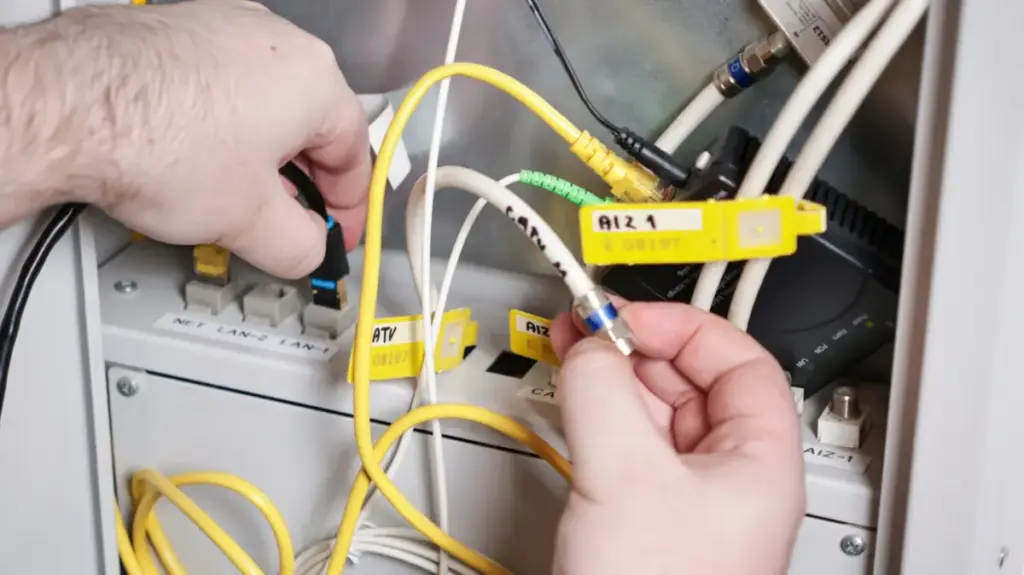
For most internet users, the technical ecosystem powering modern connectivity remains an afterthought—an invisible web of hardware designed to fade entirely into the background of daily life. Much like an automobile’s internal combustion engine or a complex electrical battery, home networking equipment is rarely appreciated until something goes wrong. When speeds drop, video streams buffer, or a connection suddenly vanishes, users are forced to confront an unfamiliar lexicon of modems, routers, and gateways. Understanding these core components does more than just simplify troubleshooting; it empowers consumers to evaluate what they are paying for, avoid unnecessary rental fees, and tailor their home networks to meet their actual bandwidth and coverage needs.
Navigating the terminology can be challenging, largely because telecommunications companies and hardware manufacturers have historically blurred the lines between distinct networking functions. Yet, breaking down the architecture of a home network reveals a straightforward system where each piece of hardware plays a specific, vital role in bridging the gap between a local household and the global internet.
The Fundamentals: Routers, Modems, and Gateways
At the foundation of nearly every traditional home internet connection sits a modem, a portmanteau for modulator-demodulator. This critical piece of hardware acts as the primary translator for the household, taking analog signals delivered via traditional cable lines or copper telephone wires and converting them into the digital data packets that computers, smartphones, and smart TVs can actually understand. Conversely, it translates outgoing digital traffic back into signals that can travel across the internet service provider’s external infrastructure. In essence, the modem is the direct conversational partner to the wider internet.
The only common exception to this rule is found in pure fiber-optic internet setups. In a fiber home, the traditional modem is replaced by an optical network terminal, or ONT. While utilizing laser-driven light pulses over glass strands rather than electrical currents over copper wires, the ONT functions in a practically identical manner by terminating the outside line and converting it into standard Ethernet data.
Once data enters the home via the modem or ONT, the router takes over the heavy lifting of distribution and traffic management. Routers possess multiple responsibilities, but their primary job is to steer data coming from the modem to individual devices throughout the house, whether that transmission happens wirelessly via Wi-Fi or through physical Ethernet cables. Beyond bridging the home to the outside world, routers also oversee entirely internal data traffic. For instance, when a user streams media files from a local storage device or a dedicated Plex server to a living room television, the router directs that traffic locally without requiring data to travel out to the internet and back.
Modern routers frequently assume additional roles beyond basic data routing. Many contemporary models double as smart home hubs, incorporating Matter controllers or bridging Thread-based smart accessories directly onto the local network and the internet. Security is another foundational pillar managed by the router, which defends connected households against external intrusions, malicious software, and cyber threats through integrated firewalls. Furthermore, users can manually control network traffic by setting up user profiles, prioritizing specific bandwidth-heavy activities, or creating segmented guest networks for visitors.
Within the consumer market, a gateway represents the convergence of these two technologies, housing both a modem and a router inside a single physical enclosure. The primary advantage of a gateway is sheer simplicity. Internet service providers frequently supply these combination units as standard issue—increasingly at no additional monthly charge—simplifying the installation process for the average consumer. Standalone gateways are rarely found on standard retail shelves, as consumer-facing stores typically sell separate components. When gateways are sold commercially, they are usually targeted at enterprise environments, businesses, or specialized organizations that require granular control over incoming and outgoing data streams. While combination gateways offer a streamlined footprint, networking experts generally advise separating the modem and router functions to achieve optimal performance and upgrade flexibility.
The Financial and Performance Case for Buying Your Own Equipment
Whether an internet service provider supplies a single combination gateway or a separate modem and router, subscribers are almost universally provided with basic, lowest-common-denominator hardware designed to meet minimum baseline standards. For many households, this standard-issue equipment might feature Wi-Fi 6 connectivity, which is entirely adequate for basic web browsing and standard-definition video streaming. However, the wireless industry has rapidly advanced, with newer standards like Wi-Fi 6E and Wi-Fi 7 eclipsing older generations by introducing a congestion-free 6GHz frequency band alongside the traditional 2.4GHz and 5GHz options. Furthermore, standard-issue single-router setups frequently struggle to provide uniform coverage in larger dwellings, often requiring advanced mesh network configurations to eliminate persistent dead zones and maintain consistent speeds across multiple floors and rooms.
While some internet providers allow customers to upgrade to modern mesh systems or Wi-Fi 7 hardware directly through their subscription plans, these options usually come with recurring monthly fees that lack the long-term equity of equipment ownership. For example, major telecommunications providers offer premium home networking equipment packages that bundle advanced Wi-Fi 7 routers, mesh extenders, and mandatory hardware refreshes every few years for an added monthly charge on top of baseline internet costs. Over a relatively short span of time, the cumulative rental fees quickly surpass the outright retail cost of purchasing a high-end, third-party mesh networking system.

Beyond immediate financial savings, buying independent hardware frees consumers from proprietary ecosystem locks. An individually owned router or mesh system can easily travel with a subscriber if they choose to switch internet service providers, eliminating the recurring cycle of hardware rental fees and the uncertainty of provider pricing structures. Utilizing privately owned equipment alongside provider-supplied infrastructure typically requires nothing more than configuring the ISP’s gateway into what is known as bridge mode, effectively turning off its internal routing and wireless capabilities so an independent router can manage the home network.
Stock routers and gateways often fall short in advanced feature sets as well, though raw speed and physical coverage remain the primary bottlenecks for most households. Relying exclusively on default equipment often prevents users from experiencing the full potential performance offered by modern smartphones, laptops, and tablets. As households increasingly adopt demanding digital applications, ranging from local network media servers to expansive smart home ecosystems, understanding the distinct roles of modems, routers, and gateways transitions from an obscure technical curiosity into a practical strategy for optimizing digital life.