


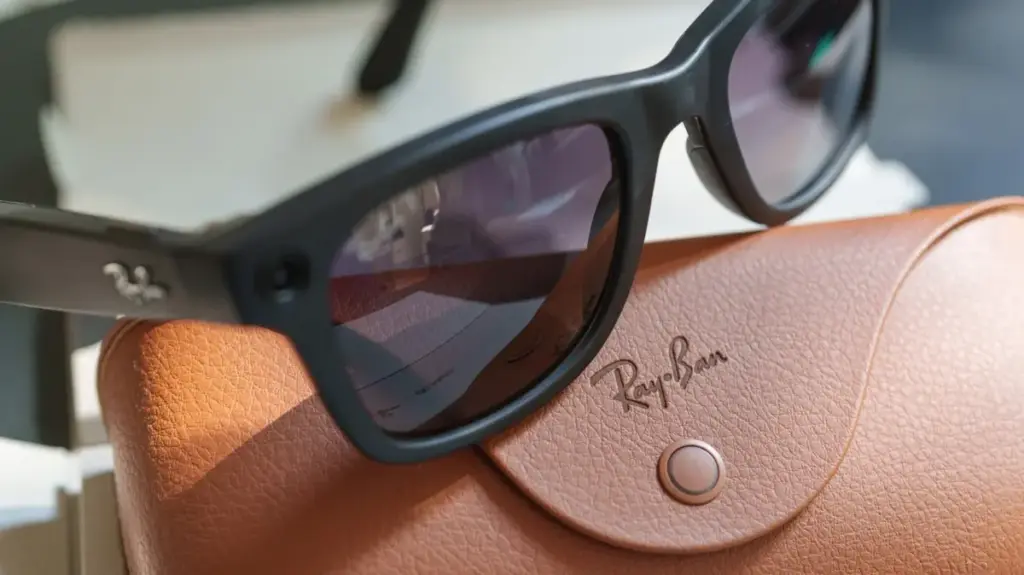
Wearable technology has rapidly evolved from futuristic concept to everyday accessory, with smart glasses leading the charge. Among the most popular options on the market are the Ray-Ban Meta smart glasses, which allow users to seamlessly snap photos, record video, answer phone calls, listen to music, and interact with an integrated artificial intelligence assistant—all with a simple tap on the frame or a spoken voice command.
However, beneath the stylish frames and everyday convenience lies a complex web of data collection. While Meta provides users with a degree of control over what their glasses capture, process, and store, navigating those safeguards requires a thorough dive into the companion application’s settings menu. Because the devices feature always-on microphones listening for wake phrases, built-in cameras, and cloud connectivity, security-conscious consumers are increasingly advising a complete review of privacy preferences before wearing the glasses out in public.
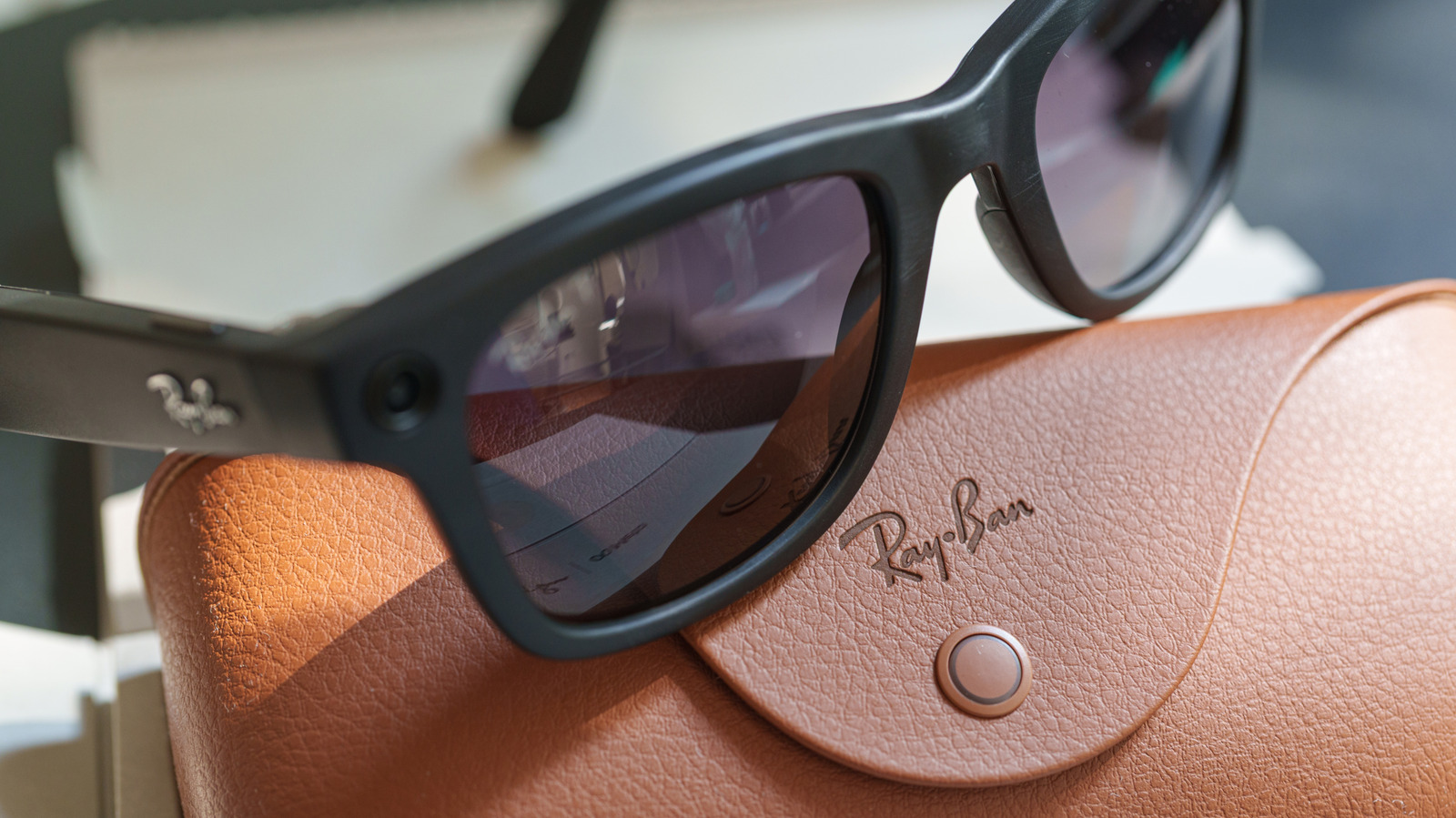
Understanding how gallery photos, voice interactions, and visual AI queries follow different internal rules can help users mitigate unwanted data sharing. By addressing a few key options within the Meta AI application, wearers can significantly reduce the amount of personal data uploaded or stored on corporate servers, though these adjustments often come at the expense of certain conveniences.
Turn off ‘Hey Meta’ to avoid accidental activations
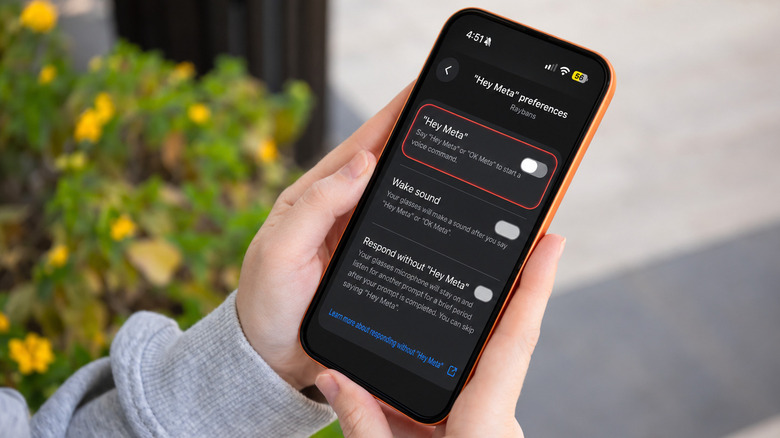
One of the most immediate features users encounter is the voice activation prompt. By default, the glasses continuously listen for the phrase "Hey Meta" so wearers can summon the virtual assistant hands-free. While undeniably convenient in quiet environments, this feature can easily misinterpret normal conversational phrasing, leading to accidental activations and unintended recordings. Furthermore, the constant listening state means the microphones remain active, scanning the wearer’s acoustic environment for those specific keywords.
The implications extend beyond accidental triggers. In certain regions, such as the United States, users are no longer able to entirely prevent Meta from storing cloud recordings of their AI voice interactions. While individuals retain the ability to manually delete these saved audio logs, doing so requires consistent personal oversight and memory.

For those who prefer a more manual approach, the wake phrase can be disabled while keeping the glasses connected to a smartphone. By navigating through the Meta AI application to the specific device settings under the voice preferences, users can turn off the wake phrase toggle entirely. The touch-sensitive pad located on the right temple of the frames remains fully functional for summoning the assistant manually, and the built-in microphones continue to operate normally for phone calls and video capture. For historical oversight, previous voice interactions remain viewable and eligible for manual deletion within the dedicated voice activity log.
Keep your photos off Meta’s cloud
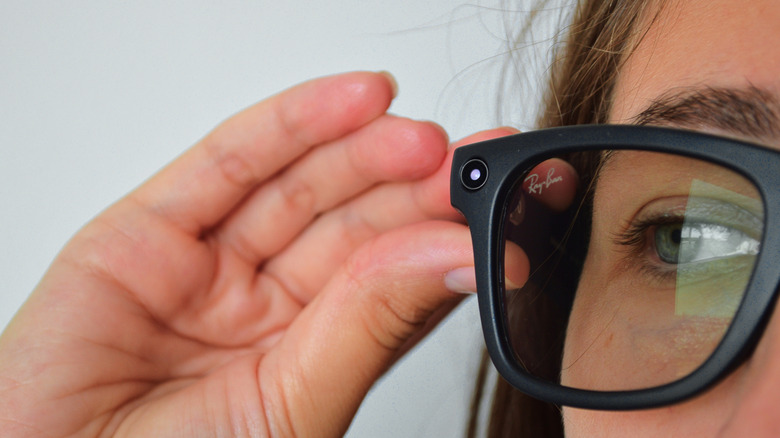
Capturing a moment with smart glasses is designed to feel as natural as taking a traditional photograph. Normally, images and videos captured by the device remain securely stored in the local memory of the glasses until the user explicitly chooses to import them to a paired smartphone. However, enabling cloud media features alters this pipeline, allowing Meta to retain copies of media on its servers for up to thirty days—an unexpected detour for content intended solely for a personal camera roll.
Disabling cloud media within the glasses privacy menu halts this automatic server backup. Users can still take photos, record videos, and transfer them directly to their phones via local connection. The primary trade-offs involve the loss of cloud-dependent capabilities, such as voice-controlled photo sharing and automatic background capture functions.
Meta maintains that ordinary gallery captures are strictly walled off from AI training models and targeted advertising, regardless of the cloud media setting. Yet, a critical distinction remains: turning off cloud media does not prevent images from being transmitted to Meta’s servers when a user specifically asks the AI assistant a visual question about their surroundings. Additionally, users must account for their smartphone’s native backup ecosystem. If applications like iCloud or Google Photos are configured for automatic synchronization, imported images may still find their way to external cloud infrastructure, albeit managed by a different technology provider.
Stop sharing additional usage data
Beyond the explicit media captured through the camera lenses, smart glasses continuously accumulate telemetry data regarding device operation. Meta differentiates between essential operational data required to make the hardware function and optional "additional data," which includes comprehensive usage analytics detailing how often specific features are utilized and how the wearer interacts with the system.
While this telemetry assists developers in understanding product performance and user behavior, volunteering such information is a personal choice, particularly for a wearable device intended for all-day use. Users who prefer to limit telemetry can deactivate the feature within the companion application by navigating to the device privacy menu and toggling off additional data sharing.
Unlike adjustments to voice wake phrases or cloud media storage, turning off telemetry does not alter the fundamental operation of the glasses, voice calls, music playback, or media capture. It does not, however, halt all data collection entirely; Meta continues to gather baseline information deemed necessary for core functionality and device security. Furthermore, opting out of additional data sharing does not retroactively delete historical metrics already harvested by the platform.
Stop Meta from training AI on visual data
The intersection of wearable cameras and artificial intelligence training has drawn significant regulatory and consumer scrutiny. When users ask the AI assistant to perform visual tasks—such as identifying a botanical specimen, translating a foreign menu, or describing an object in view—the visual data is transmitted to Meta’s servers to generate a response. Historically, that transmitted visual information could be retained for AI model development, including manual review by human contractors.
An updated preference allows users to block visual data collected during AI interactions from being repurposed for machine learning training. This setting operates entirely independently of standard gallery photos and videos, meaning that turning off cloud media storage has no direct bearing on how visual AI queries are processed.
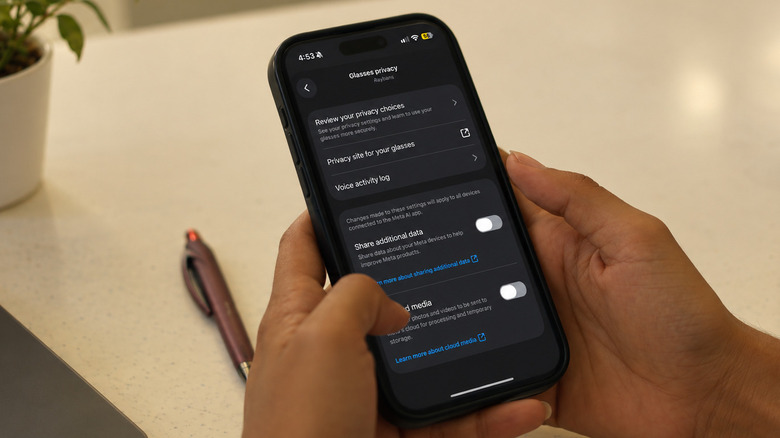
By accessing the Meta AI settings on a connected pair of glasses, users can disable the storage of visual data from AI experiences. While the system must still process the imagery in real-time to answer the immediate query, opting out ensures that the data is not retained for future model training or made accessible to human reviewers.
This privacy safeguard does involve certain compromises. Advanced visual memory features, such as instructing the glasses to remember a specific object for retrieval later, may cease to function properly. Moreover, the setting does not retroactively purge previously processed visual information from server logs, nor does it alter how standard voice interactions are handled. Owners of multiple generations of smart glasses must also ensure that the preference is configured independently on every registered pair they own.