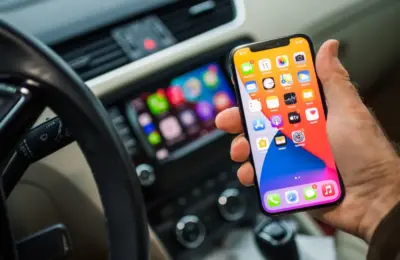




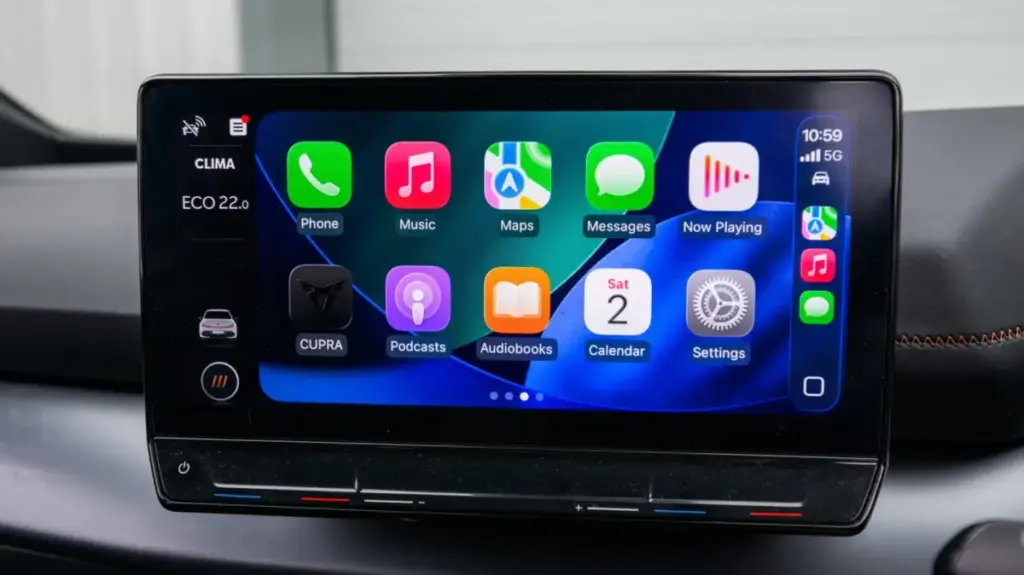
Apple CarPlay has quietly established itself as one of the most universally appreciated features within the modern automotive ecosystem. By seamlessly bridging the gap between a driver’s mobile device and the vehicle’s dashboard, CarPlay allows essential applications for navigation, real-time messaging, and music streaming to appear directly on the car’s built-in infotainment screen. Alongside these entertainment staples, utility-focused applications such as electric vehicle charging locators have become standard fixtures on commutes worldwide.
The software’s footprint is vast, spanning across more than 800 vehicle models from major international manufacturers, ranging from Chevrolet to Volvo. For drivers seeking an even deeper integration, Apple’s newly introduced CarPlay Ultra pushes the envelope further by hooking directly into core vehicle hardware to handle complex internal systems like climate control. However, this next-generation iteration remains exclusive to ultra-luxury vehicle manufacturers, such as Aston Martin, for the time being.
Despite its ubiquity and convenience, the platform comes with a significant hidden cost that many drivers eventually encounter on long journeys: a severe drain on the iPhone’s battery. Online support communities, including dedicated Apple discussion forums and active Reddit threads, are consistently populated by frustrated users questioning why their devices lose power so rapidly while connected to their dashboards.
How CarPlay Impacts Your iPhone’s Battery Life
The root cause of CarPlay’s intensive battery consumption comes down to where the heavy lifting actually happens. Unlike traditional Bluetooth audio connections, which pass simple audio streams and leave the heavy data processing to the car’s internal hardware, CarPlay relies entirely on the connected iPhone to function. The interface displayed on a vehicle’s dashboard monitor is not rendered by the car itself; instead, the iPhone handles all graphical rendering, mapping calculations, and application data processing, essentially using the car’s display as an external monitor.
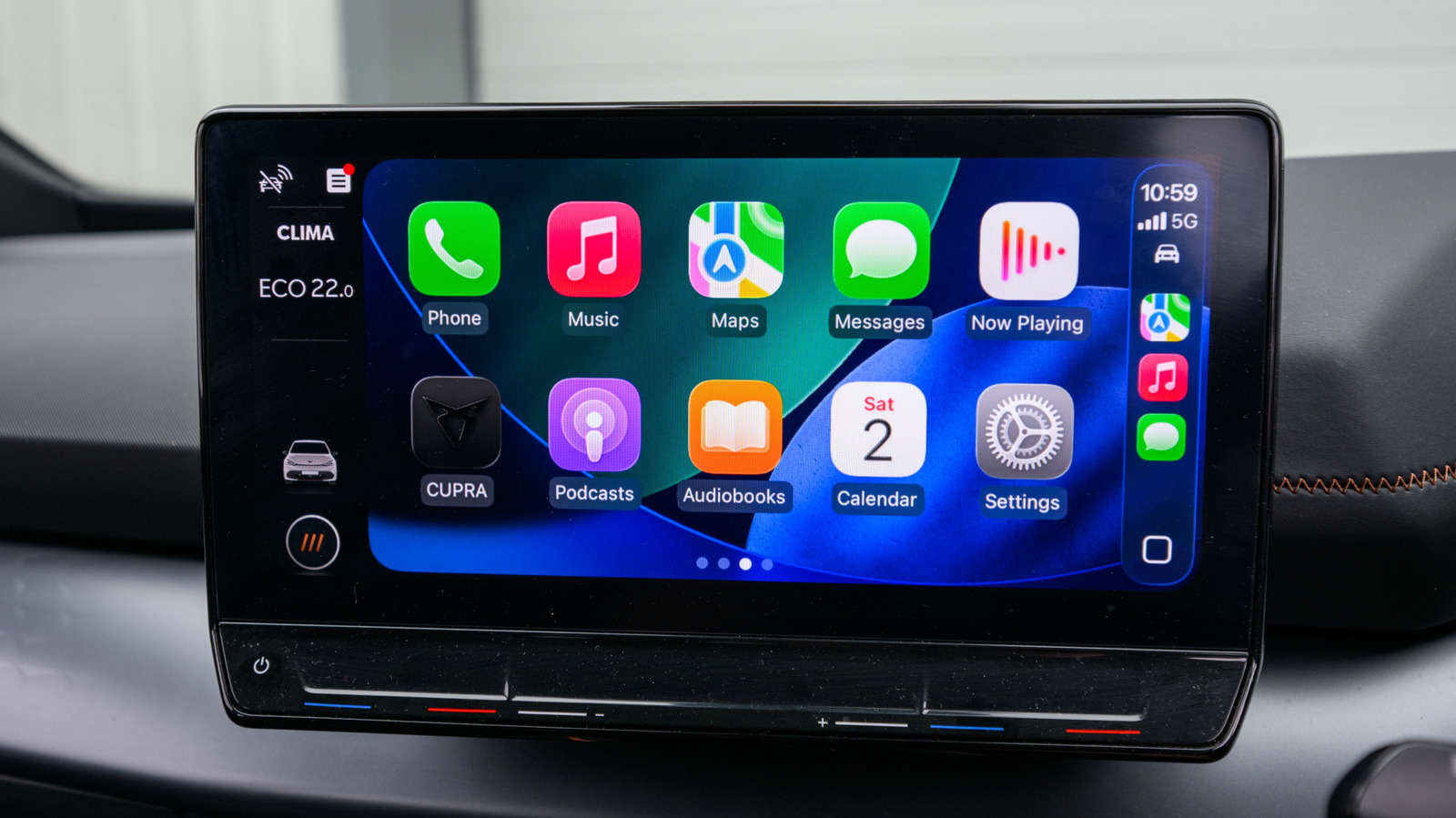
Every interactive element—from fluid map animations and complex vector graphics to album art and system icons—is powered directly by the phone’s internal processor and continuously streamed to the dashboard. This constant computational load places a heavy demand on the device’s CPU and GPU, generating heat and burning through stored energy at an accelerated rate.
Furthermore, the physical method used to connect an iPhone to a vehicle plays a massive role in overall power management. While wired and wireless iterations of CarPlay offer identical software features and user interfaces, utilizing a wireless connection introduces a distinct power penalty. Without a physical cable supplying a steady electrical current, the iPhone must power the entire CarPlay streaming architecture solely via its internal battery. Consequently, the phone drains at a much faster rate while simultaneously failing to receive any charging replenishment.
External factors related to daily driving conditions also compound the issue. Applications that continuously ping location services via GPS—such as Apple Maps, Google Maps, and Waze—are notoriously demanding on battery performance during extended drives. Simultaneous music or podcast streaming over cellular data further taxes the device’s internal modem and battery. When drivers travel through rural or remote areas with fluctuating cellular coverage, the situation worsens significantly. The iPhone is forced to boost its internal antenna power to search for a stable signal, consuming additional energy in the background while attempting to maintain seamless data streams for navigation and audio apps.
Managing and Mitigating CarPlay Power Consumption
For drivers facing persistent battery depletion during daily commutes or lengthy road trips, certain operational adjustments can help preserve device power without entirely sacrificing convenience.
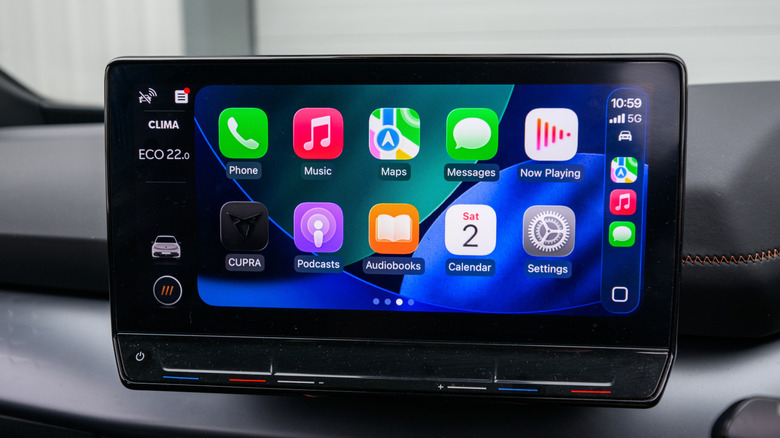
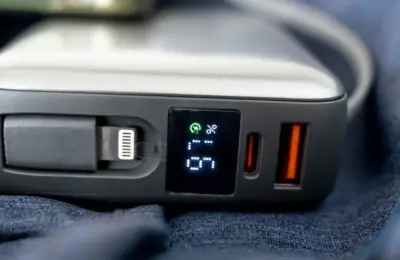
Plugging an iPhone directly into the vehicle using a physical cable remains the most effective countermeasure against rapid battery drain. A wired connection ensures that the phone continuously charges while CarPlay is active, eliminating power anxiety on lengthy journeys. For users concerned about long-term battery degradation and chemical aging, modern versions of iOS offer built-in protections; CarPlay will fully respect any custom charging limits or optimized battery settings configured within the device’s system preferences.
When a wireless setup is the only available option, several workarounds can help conserve remaining battery life. Ensuring the iPhone’s physical screen is turned off can prevent unnecessary power draw, as the display may occasionally remain active while powering the dashboard projection. Activating Low Power Mode on the device can also curb background processes and reduce processor intensity while behind the wheel.
Many modern vehicles equipped with wireless CarPlay also feature built-in Qi wireless charging pads. While wireless charging pads are traditionally less efficient than wired connections and can generate additional heat, they provide a helpful trickle charge to offset some of the power consumed by wireless streaming.
Drivers can also optimize their digital habits before starting the engine. Pre-downloading favorite music playlists, offline maps, and podcast episodes significantly reduces cellular data usage and prevents the phone from working overtime to pull data from changing cell towers along a route. Additionally, avoiding navigation apps when traveling along familiar, routine paths prevents the GPS module from running continuously in the background.
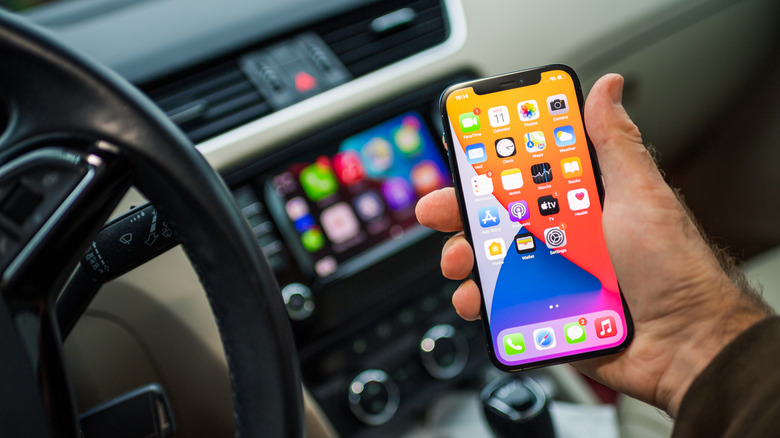
Finally, keeping the iPhone updated with the latest software releases remains essential for maintaining optimal power efficiency. Because CarPlay is tightly integrated into the broader iOS operating system, performance enhancements, bug fixes, and battery management improvements developed by Apple are deployed directly through routine software updates. Maintaining an up-to-date operating system ensures that the device operates at peak efficiency, helping users get the most out of their connected driving experience.