


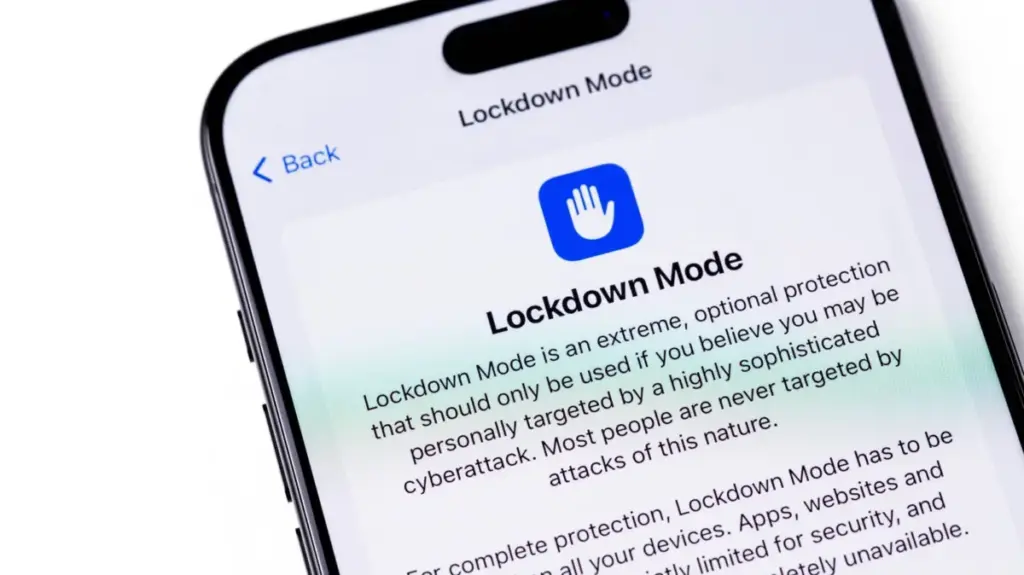
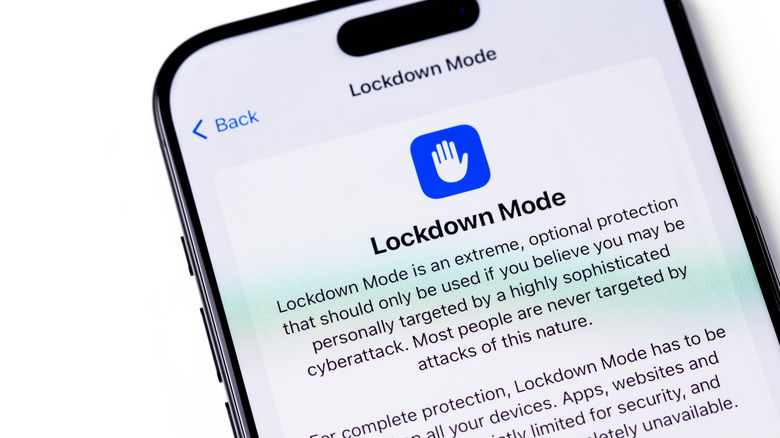
Apple’s Lockdown Mode has quietly existed within the iOS ecosystem since its introduction in 2022, yet it remains one of the most misunderstood and underutilized features in modern mobile technology. Tucked deep inside the Settings application, the tool is deliberately not designed for the average smartphone user. Instead, Apple categorizes Lockdown Mode as an extreme layer of security engineered specifically for the small fraction of individuals who face targeted threats from highly sophisticated commercial spyware, such as the infamous Pegasus software developed by the NSO Group. High-profile figures, including investigative journalists, human rights activists, political dissidents, and government officials, are among the primary potential targets of these invasive surveillance tools.
Any user operating an eligible device running iOS 16 or newer can experiment with Lockdown Mode. The feature is similarly integrated across Apple’s broader hardware ecosystem, available on iPadOS 16 and later, watchOS 10 and newer, and macOS 13 Ventura and later. Enabling the feature requires navigating through the Settings application to the Privacy & Security menu, scrolling down to the dedicated Lockdown Mode option, and selecting the prompt to turn it on and restart the device with a passcode confirmation. Disabling the feature follows an identical, straightforward path within the same menu. However, while activation is simple, the operational impact on daily device usage is profound.
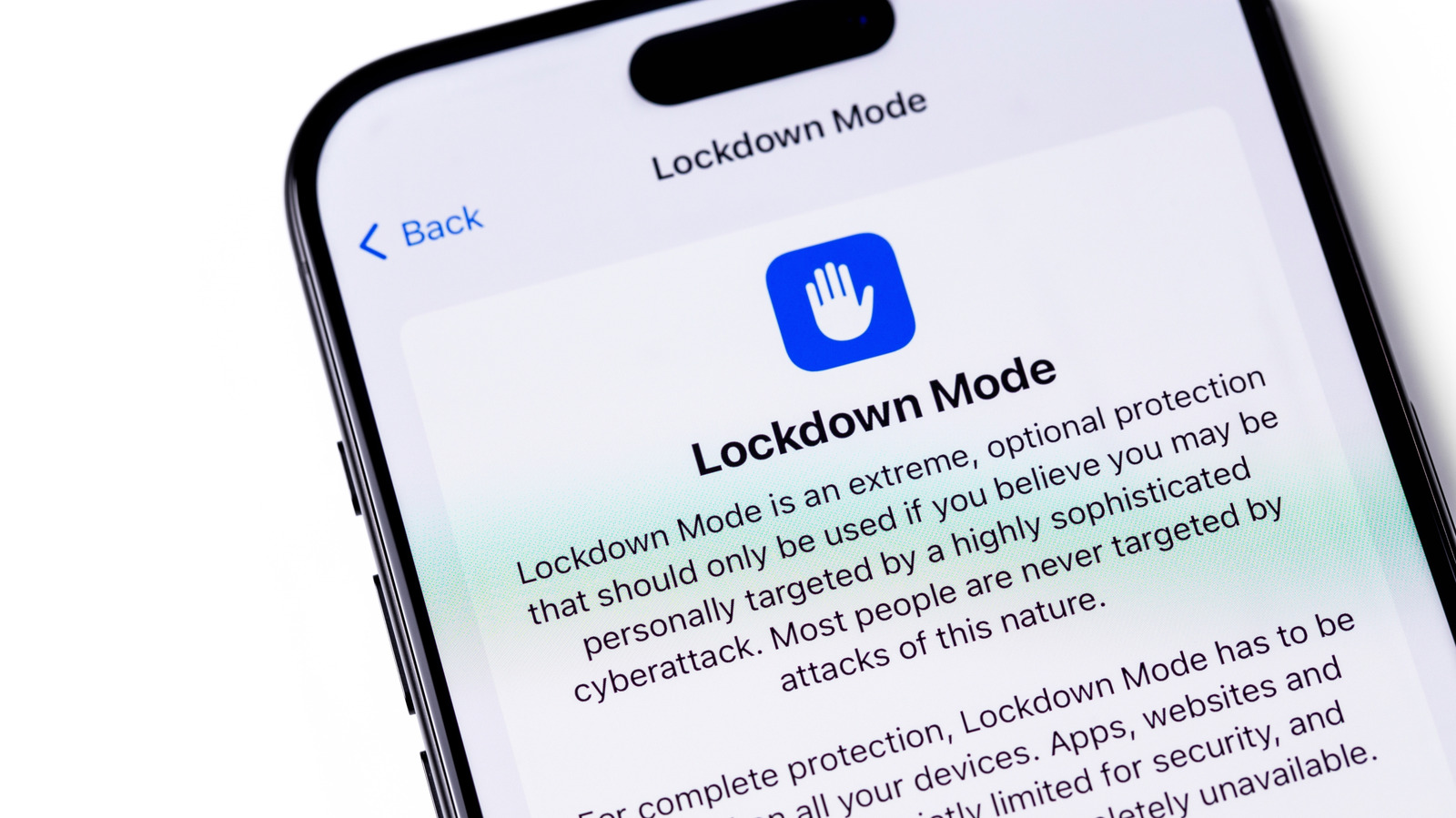
What Lockdown Mode Disables on Your iPhone
The remarkable strength of Lockdown Mode stems from its aggressive approach to blocking many of the core features that define a modern smartphone experience. When activated, the operating system systematically restricts numerous functionalities that typical users rely on throughout their daily routines. Within the Messages app, the vast majority of attachment types are blocked entirely, and automated link previews are disabled because malicious actors frequently exploit these mechanisms as backdoors to deliver spyware payloads. Web browsing is also heavily impacted, as Lockdown Mode restricts how JavaScript functions within web browsers, which can frequently cause complex websites to load sluggishly or fail to function altogether.
Communication channels face significant bottlenecks as well. FaceTime calls are strictly limited, allowing incoming calls only from individuals who have been contacted recently by the device owner. Hardware and network connectivity are similarly curtailed. When the device is locked, physical wired connections are disabled, meaning the iPhone cannot communicate with a computer or external accessory without first being unlocked via a passcode. In terms of wireless connectivity, the operating system prevents the device from automatically joining unsecured Wi-Fi networks, while support for legacy 2G and 3G cellular networks is completely disabled, though these older standards have already been phased out by major carriers in regions like the United States.
Additional restrictions affect device management and companion hardware integration. Users lose the ability to install configuration profiles, presenting a hurdle for individuals whose academic institutions or corporate employers require these setups for network access. For owners of an Apple Watch, incoming phone call notifications from the paired iPhone will not display on the wrist. Furthermore, reduced functionality extends across other proprietary Apple services, making Home app invitations and Game Center completely unavailable while heavily restricting photo sharing capabilities.
Who Should Leave Lockdown Mode On?
The aggressive nature of Lockdown Mode is a direct reflection of the severe threats it was built to counter. In 2023, security researchers uncovered a sophisticated exploit known as "Blastpass," which leveraged vulnerabilities in the iMessage framework to silently install Pegasus spyware onto Apple devices without any user interaction. Subsequent analyses revealed that devices operating under Lockdown Mode were entirely immune to the exploit. Highlighting its confidence in the architecture, Apple maintains a standing offer to double its standard bug bounty reward, providing a 100 percent financial bonus on top of its regular Security Bounty program payouts to any security researcher who successfully discovers a way to bypass the feature. By deliberately crippling various iPhone attack vectors, the software trades everyday convenience and functionality for maximum defensive fortification.
The architecture of the feature does incorporate a limited degree of flexibility to accommodate essential communication. Users have the option to manually exclude specific trusted contacts from messaging restrictions, allowing family members or close colleagues to continue sending media files and documents. Similarly, individuals can whitelist specific websites and applications to bypass browser limitations. However, security experts emphasize that loosening these predefined restrictions invariably introduces small vulnerabilities, slightly increasing the attack surface. For individuals who genuinely believe they are under active surveillance, maintaining all default protections enabled without customization remains the safest course of action.
Despite these robust protections, industry analysts and Apple itself emphasize that the vast majority of consumers have no practical need to keep Lockdown Mode permanently enabled. Apple hardware already incorporates numerous standard security and privacy safeguards designed to protect everyday users from conventional malware and phishing attempts. Sophisticated mercenary spyware remains exceptionally expensive and is predominantly deployed by state-sponsored actors targeting specific public figures, political opponents, and civil society leaders. For those specific individuals, utilizing Lockdown Mode is strongly advised—particularly since Apple proactively issues direct threat notifications to users when intelligence suggests they have been targeted by mercenary spyware attacks. For anyone else, turning on the mode out of curiosity offers a revealing look at an ultra-secure mobile environment, but the resulting daily inconveniences will likely outweigh the extreme level of protection required by only a tiny minority of global citizens.