

As households burn through unprecedented amounts of data—with the average American home consuming well over 700GB of bandwidth each month—the infrastructure supporting our digital lives faces mounting pressure. Between bandwidth-heavy 4K video streaming, online multiplayer gaming, continuous cloud backups, and a growing ecosystem of smart home accessories, the traditional single-lane highway of home networking is no longer sufficient. To prevent network congestion and keep households connected, dual-band routers have become the essential baseline for modern internet consumption, simultaneously broadcasting wireless signals across two distinct radio frequencies: 2.4GHz and 5.0GHz.
The concept behind a dual-band router is straightforward, yet its impact on everyday connectivity is profound. Rather than forcing every device in a residence—from a remote security camera in the garage to a high-end gaming desktop in the home office—to compete for the exact same radio frequency, a dual-band router creates two separate traffic lanes. This division helps eliminate potential bottlenecks, though each frequency band carries its own distinct operational characteristics, strengths, and physical limitations that dictate how well it handles specific tasks.
Why a dual-band router can improve Wi-Fi
The primary function of a dual-band router is to dynamically manage bandwidth demands as a home’s connected device footprint expands, carefully balancing the trade-offs between physical range and data transmission speeds. For instance, a smart home security camera positioned on the far exterior wall of a house will maintain a much more stable connection on the 2.4GHz band. Conversely, a smart television streaming a movie in maximum 4K resolution or a high-performance gaming rig downloading large software updates will derive significantly better performance from the faster 5.0GHz band.
By splitting these responsibilities, the router maintains device connectivity on the most reliable band available under current environmental conditions. Many contemporary routers are equipped with band-steering capabilities, which automatically transition compatible devices back and forth between the 2.4GHz and 5.0GHz frequencies as signal strength, physical positioning, and network traffic fluctuate in real time.
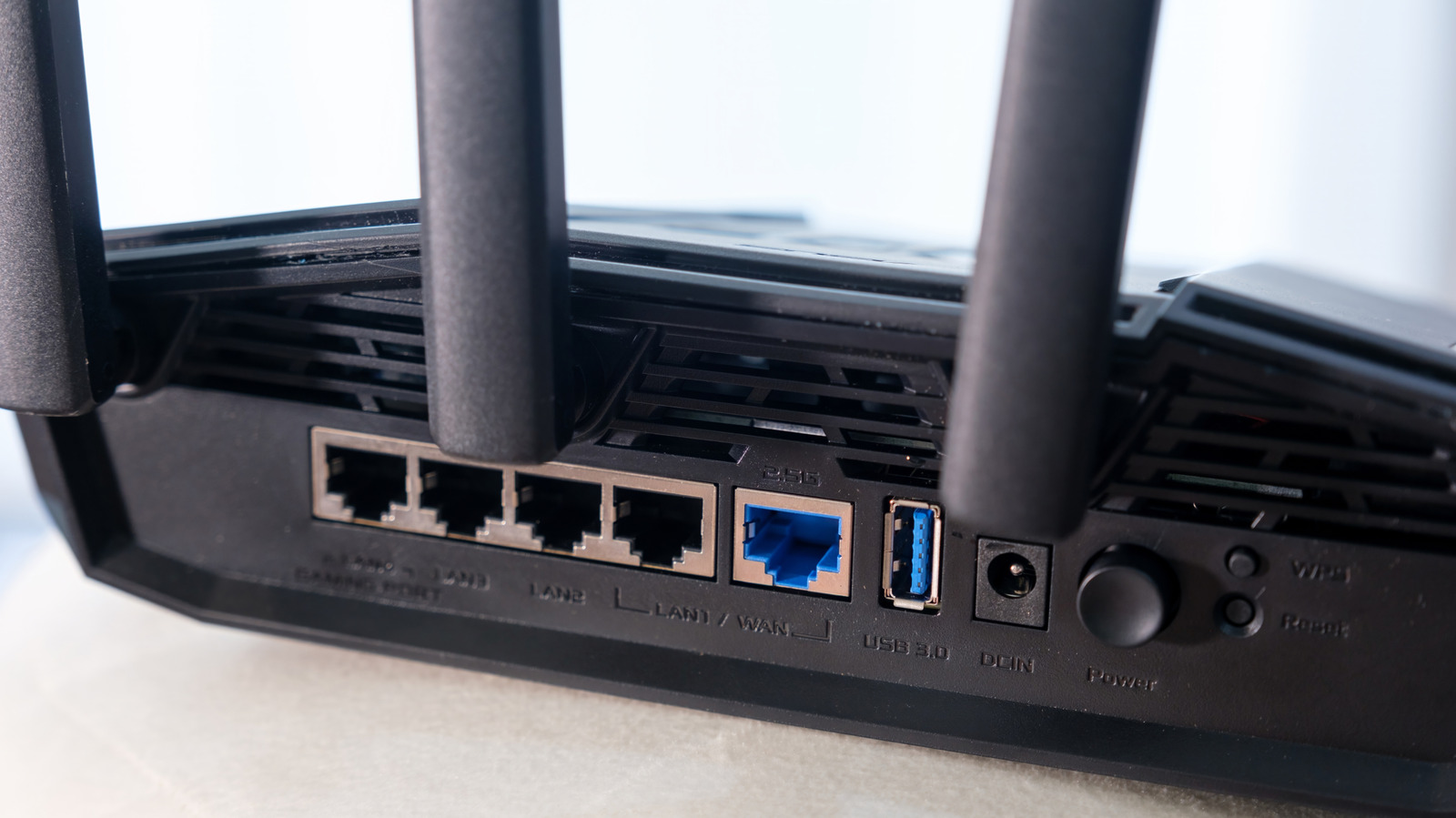
Advanced routers, particularly those marketed toward gaming enthusiasts, often provide granular control features that allow users to prioritize specific hardware, such as a dedicated gaming console or custom-built desktop PC. This prioritization ensures that when heavy network activities begin, critical applications are protected from the background data consumption of other devices on the network. This level of traffic management offers a convenient way to optimize performance without requiring manual network assignments for every single gadget in the house.
Despite these advanced management features, a dual-band or even a more expensive tri-band router cannot act as a universal guarantee of blazing-fast internet speeds. Network performance remains tethered to the underlying broadband service plan provided by an internet service provider, as well as physical limitations such as poor router placement, interference from neighboring networks, and dense architectural obstructions like concrete walls or metal framing.
How to tell if your router is dual-band
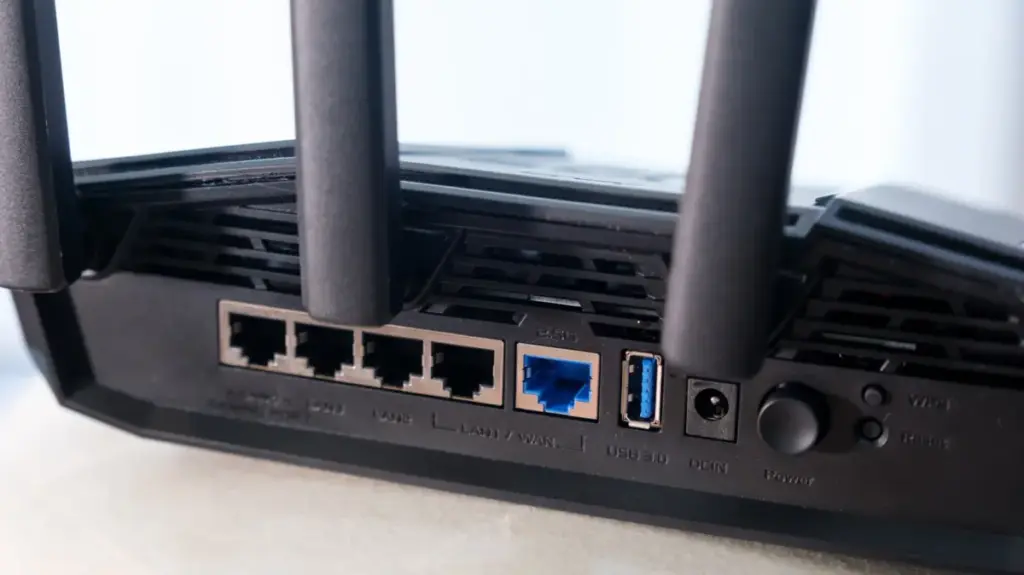
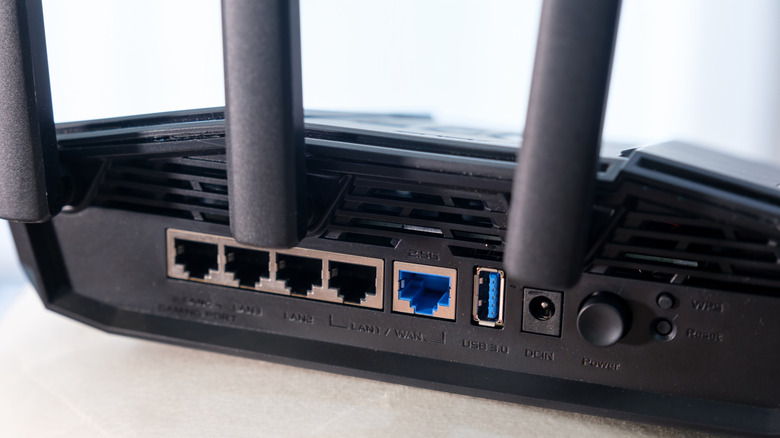
Determining whether a home network utilizes dual-band technology is a straightforward process that typically begins with a physical inspection of the networking hardware. Most consumer-grade routers feature information labels printed on the bottom or back casing that explicitly list the supported frequency bands or display a dual-band or tri-band certification badge. Given current market trends and the widespread adoption of modern wireless standards, any router manufactured within the last decade stands an overwhelming chance of supporting dual-band operations.
Users can also verify their network capabilities by using a smartphone, tablet, or laptop to scan for available wireless networks. Even if network names have been customized, underlying system flags generally indicate the presence of multiple frequency bands. The availability of both 2.4GHz and 5.0GHz signals points directly to a dual-band or tri-band hardware setup, where the appearance of a third distinct frequency—usually 6.0GHz or an additional 5.0GHz stream—confirms the presence of a tri-band system.
It is worth noting that the absence of explicitly named frequency bands in a wireless network scan does not automatically mean a router is restricted to a single band. Some modern mesh systems and advanced routers broadcast a single, unified network name and automatically funnel connected devices to the optimal frequency band behind the scenes without exposing the technical division to the end user.
For absolute confirmation, users can look up their specific router brand and model number online. Model numbers are typically printed on the hardware’s identification label alongside administrative login details, such as a local IP address and temporary default credentials. Entering this local address into a web browser allows administrators to sign directly into the device firmware to review comprehensive hardware specifications, or simply search the model number via a standard web search engine to find detailed manufacturer documentation.
Ultimately, navigating a dual-band network comes down to understanding the basic strengths of each frequency. The 2.4GHz band remains the preferred choice when physical distance and wall penetration present significant challenges, while the 5.0GHz band should be utilized whenever maximum speed and low latency are required. For dedicated gamers and high-resolution media streamers who face persistent interference or complex spatial layouts, plugging directly into the router via a physical Ethernet cable remains the most reliable method for achieving optimal connection quality and maximum data throughput.