

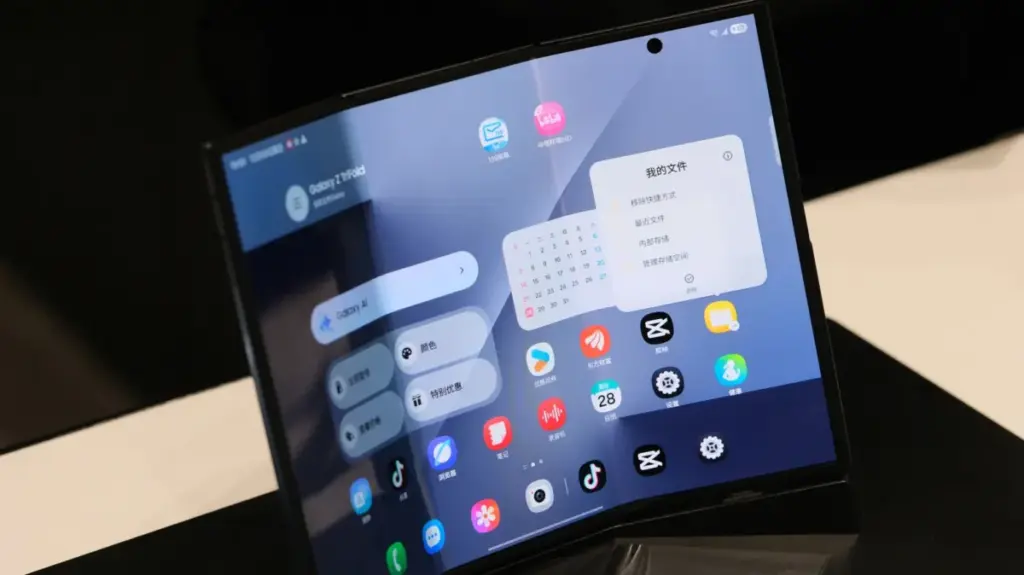
Your phone can fold neatly in half to slide into your pocket, but your keys shouldn’t join it for the ride. It is a simple physical reality that highlights the unique vulnerability of modern foldable devices, bridging the gap between futuristic engineering and everyday fragility. As flexible displays become a more common sight in the mobile market, manufacturers and consumer advocates are increasingly emphasizing the specialized care these sophisticated handsets require just to survive a standard upgrade cycle.
The most common mistake you should avoid when using foldable phones is, naturally, dropping them onto hard surfaces. Yet that sort of mishap is common knowledge across the entire smartphone landscape and rarely requires a deeper discussion. Instead, the most frequent way to quietly ruin the expensive inside foldable screen is a moment of absent-mindedness: closing the device on something foreign that has no business being there. Major manufacturers like Samsung maintain dedicated foldable care pages warning that stray credit cards, loose coins, or metal keys can easily scratch or even puncture a Galaxy foldable’s delicate inner display.
That causal warning seems straightforward enough in theory—just make sure your car keys or loose change aren’t resting on top of your phone when you snap it shut. In practice, however, real life introduces complications that test that simple rule. If you work a particularly dirty job, spend your weekends gardening, or live near a sandy beach, the environment itself becomes a hazard. You cannot always spot microscopic grit or fine dust easily, and beach sand has a notorious habit of finding its way into absolutely anything, including the microscopic tolerances of a folding hinge and the soft layers of a flexible panel.
It is also vital to keep in mind that not all foldable devices are on equal engineering footing. Some flexible screens are manufactured with materials that are inherently softer and weaker than others, depending on the generation and the brand. For instance, devices like the Galaxy Z Fold8 and Fold8 Ultra carry an IP48 ingress protection rating, whereas newer hardware entries like the iPhone Duo boast an IP68 rating. In the standardized International Protection marking system, the first digit describes the degree of protection against solid foreign objects. A rating of four means objects one millimeter thick or larger are blocked from entry, while a rating of six indicates a fully dust-tight device capable of sealing out fine particulates entirely.
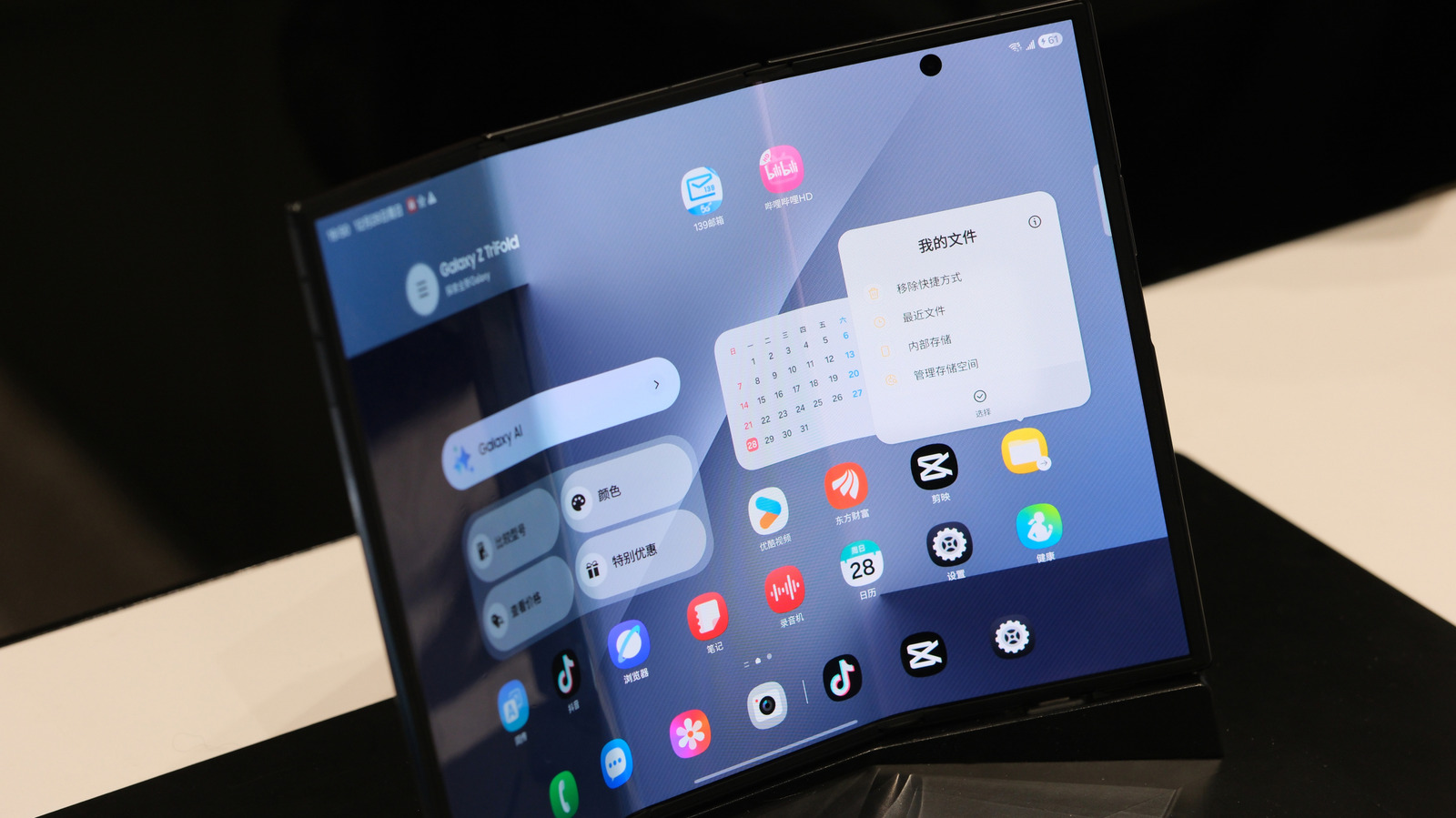
Treat the Inner Screen with Care
A foldable phone’s inner screen is fundamentally different from a conventional slab-phone display and cannot be treated with the same carefree attitude. Because the material has to physically bend thousands of times without cracking, it relies on plastic-based polymers rather than rigid exterior glass. Consumers should never assume they can press on an inner flexible screen as firmly or aggressively as they would on a standard smartphone’s outer glass shield. That includes actions most users have performed for years without thinking twice, such as using a hard fingernail to scratch a speck of dust or dried adhesive from the middle of the panel.
Another critical mistake is attempting to peel off a factory-applied inner screen film because it mistakenly looks like disposable shipping protection meant to be discarded upon unboxing. In earlier generations of foldables, this was surprisingly easy to do, leading to immediate and catastrophic display failures. Modern iterations feature edges that are tightly tucked in, bound by bezels, and far better hidden, but the underlying vulnerability remains. Industry leaders like Samsung strongly recommend leaving these protective layers completely untouched. On the flipside, users should never attempt to stick an unapproved third-party screen protector over a foldable display. These devices are entirely unlike their traditional slab cousins, meaning generic accessories will not suffice. Owners must strictly use screen protectors or styluses that the manufacturer explicitly lists as compatible with that specific model.
This does not mean owners have to completely baby a foldable phone, though the required lifestyle adjustments can certainly feel that way to anyone transitioning from a traditional smartphone. These necessary precautions simply require users to be a bit more particular and mindful when handling the folding screen. Owners should actively avoid applying any concentrated force to the crease and make certain they never close the device on anything other than open air.
What Is the Lifespan of a Foldable Phone?
There is no single, guaranteed lifespan for foldable phones, though industry standards, durability testing, and manufacturer indicators offer a general roadmap. For instance, research and development teams test mechanical hinges and flexible screens extensively by folding the devices robotically between 200,000 and 500,000 times before failure. If a typical user opens their phone roughly 100 times a day, those laboratory figures theoretically translate to a lifespan of five to ten years of heavy usage.
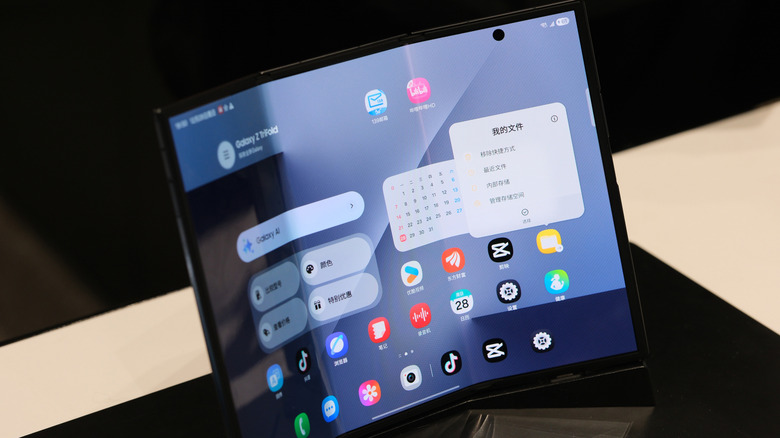
However, laboratory figures do not equal a real-world guarantee. Samsung previously claimed that the Galaxy Z Fold7’s display remained fully functional after enduring 500,000 continuous folds in controlled testing environments. While those numbers sound reassuring on a specification sheet, a controlled mechanical test cannot account for the chaotic nature of daily life. In past years, Samsung’s initial claim of 200,000 folds on the original, first-generation Galaxy Fold fell short under early journalistic and consumer scrutiny. When consumers hear impressive durability figures tossed around during marketing presentations, those metrics should be treated as general engineering benchmarks rather than ironclad promises.
Beyond abstract folding counts, practical daily habits matter far more for the longevity of a device. It is far more useful to habitually check for stray dirt and debris before closing the phone than it is to mentally count your daily opens and closes. Users should resist the urge to push heavily on the display or substitute unapproved writing utensils for official styluses. Cleaning smudges or marks should be done gently with a soft microfiber cloth instead of digging at them with a fingernail. Furthermore, while impressive IP68 water and dust resistance ratings sound exceptional on paper, manufacturers like Apple note that such resistance inevitably diminishes with normal wear and tear over time. Mechanical complexity means that nothing lasts forever, and physical wear tends to accumulate faster when moving parts are involved in your daily technology.