


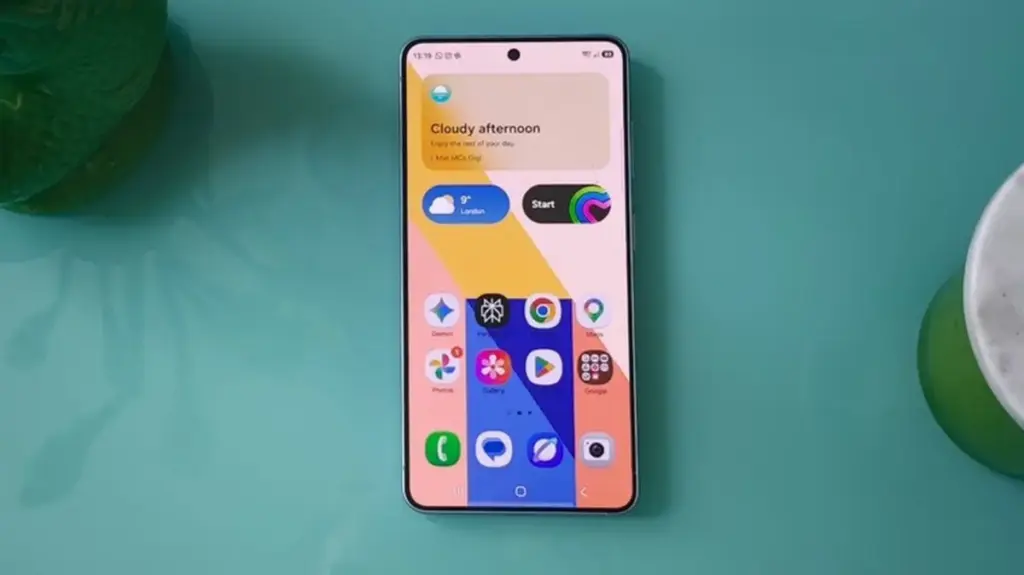
For years, anyone who has ever picked up a Samsung smartphone has likely encountered the familiar prompts urging them to back up their precious photos and memories to Microsoft OneDrive. That deep software integration became a hallmark of the Galaxy experience, subtly weaving Microsoft’s cloud infrastructure into the fabric of Samsung’s default media management app. However, that era came to an end back in September when Samsung quietly pulled the plug on its Gallery app’s ability to sync with Microsoft OneDrive, leaving many users wondering what direction the South Korean tech giant would take next for its cloud backup strategy.
It turns out the phonemaker was quietly cooking up a massive alternative partnership behind the scenes. Samsung has just officially announced that its proprietary Gallery app can now seamlessly sync directly with your Google account. This monumental shift marks a significant pivot for the company’s software ecosystem, bridging the gap between Samsung’s hardware interface and Google’s ubiquitous cloud services in a way that has never been natively supported within the native Gallery application before.
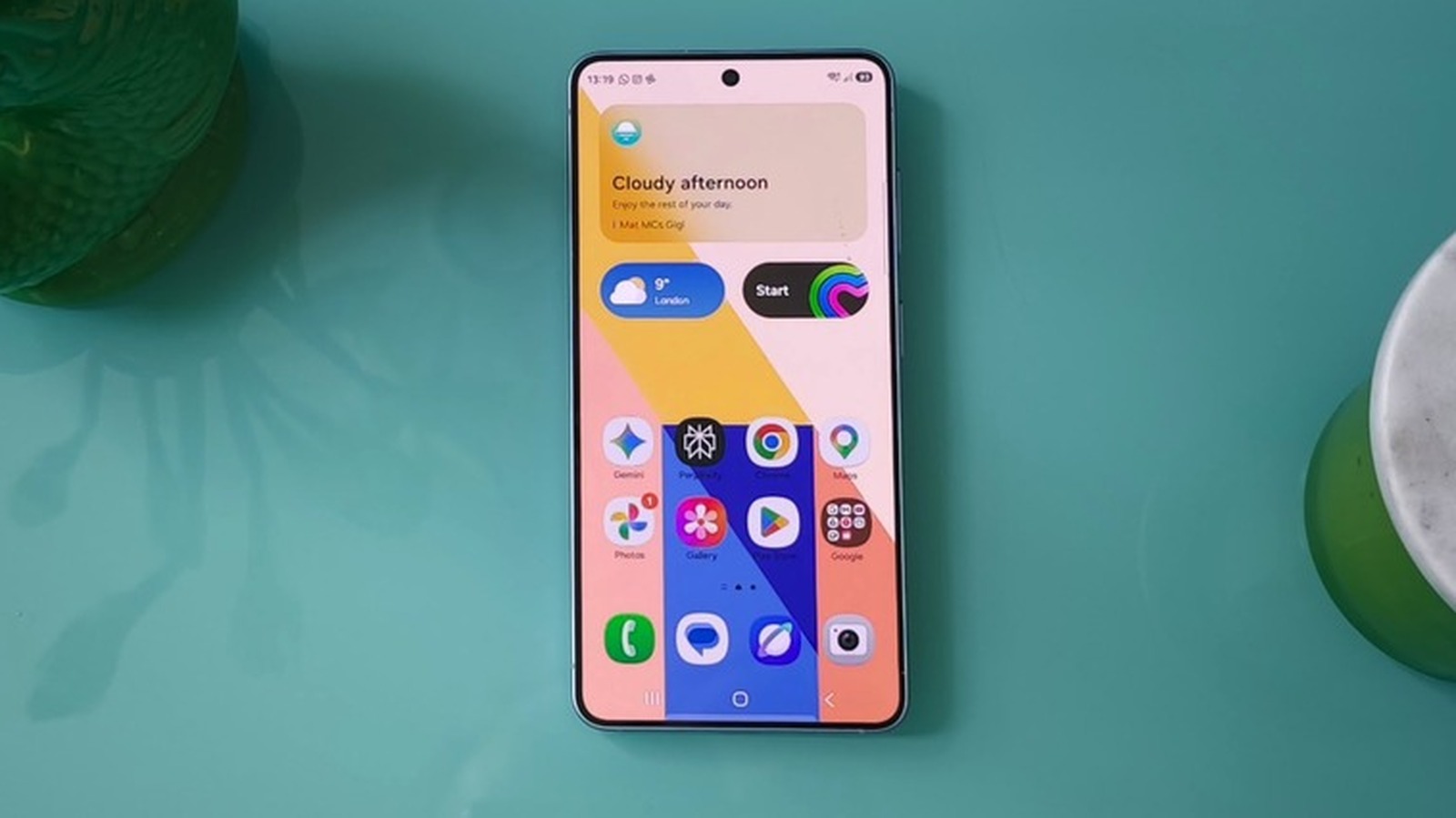
Historically, Samsung users who preferred to keep their photos and videos safely tucked away in Google storage had to rely entirely on Google Photos. This often meant running Google Photos alongside the native Samsung Gallery app, or abandoning Samsung’s interface altogether in favor of Google’s ecosystem. While Google Photos offered robust backup solutions, many loyal Galaxy users still missed the specific organizational tools, editing features, and user experience embedded within Samsung’s native Gallery app. With this latest update, users no longer have to choose between the two or manage fragmented workflows. You can now stick exclusively to Samsung’s Gallery app for organizing your media while letting your Google account handle the heavy lifting of cloud backup.
The new feature marks a major usability upgrade for the Galaxy ecosystem, though it is rolling out in measured phases. At present, the functionality is exclusively available on select Galaxy devices running One UI 9, which represents Samsung’s latest custom Android interface iteration. The company has confirmed, however, that the integration will continue to expand to a broader range of compatible devices in subsequent phases. For users fortunate enough to have access to the new feature on a supported device, enabling it requires just a few simple taps. You can either tap the prominent Cloud icon directly within the Gallery app or navigate to the Gallery Settings menu and switch on the toggle for syncing photos and videos.
Because the new feature directly integrates media file synchronization with your primary Google account, the benefits extend far beyond a single device. Once your photos and videos are securely backed up to your Google account, you gain the ability to access them effortlessly across multiple Samsung Galaxy devices. The process is designed to be frictionless: simply log into the exact same Google account on your secondary Samsung device and enable the sync feature there as well. Once activated, you will be able to view high-quality previews of your synced photos and videos right from the Gallery app on your other device, ensuring your memories follow you wherever you go regardless of which screen you are looking at.
For users who want to pull the actual files rather than just viewing previews, the system remains entirely flexible. If you want to access the original, uncompressed files on a secondary device, you simply select them within the app and download them directly to local storage. Conversely, Samsung has also anticipated the eternal struggle of managing limited device storage. If you want to do the opposite and clear out heavy media files from your phone or tablet’s local memory after they have been safely synced to your Google storage, you can take advantage of another clever feature introduced by Samsung. The company now offers a dedicated "Free up space" option nestled inside the sync settings menu. When activated, this option safely deletes the original, space-consuming files from your physical device while intelligently keeping lightweight thumbnails visible within the Gallery app so your browsing experience remains entirely uninterrupted.
Of course, this seamless convenience comes with standard cloud storage considerations that users will need to keep in mind. Because the Gallery sync feature utilizes your personal Google account storage, any backed-up media will directly consume your available cloud capacity. Every standard Google account comes with 5GB of free cloud storage by default. Google allows users to expand that initial allotment to 15GB simply by verifying a valid phone number on their account. However, because that storage pool is shared across all of Google’s interconnected services—including Gmail, Google Drive, and Google Photos—heavy media users will likely find themselves bumping against those limits rather quickly.
If you accumulate thousands of high-resolution photos and lengthy 4K videos, the default storage tier will inevitably fill up. For users who want or need additional space beyond the free allotment, upgrading requires a paid Google One subscription. Google’s pricing tiers currently set customers back $2 per month for 100GB of dedicated cloud storage, or $3 per month for a roomier 200GB tier. As Samsung devices continue to pack increasingly advanced camera sensors capable of capturing massive file sizes, this new integration with Google storage provides Galaxy owners with a familiar, scalable, and deeply integrated path forward following the conclusion of their long-standing relationship with Microsoft OneDrive.