



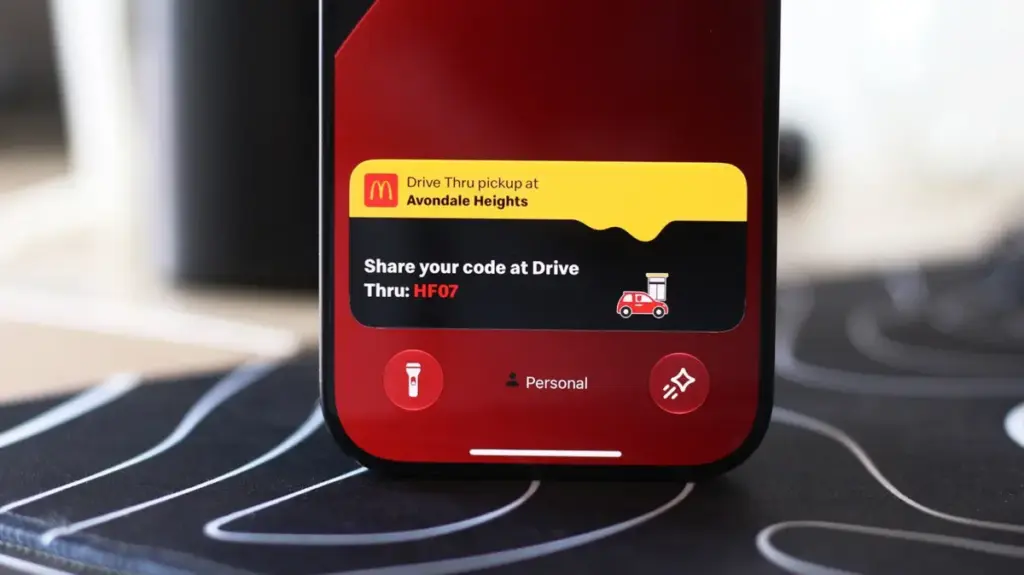
Modern smartphones have evolved far beyond simple communication devices, transforming into centralized hubs for managing daily life, navigation, entertainment, and logistics. Yet, for years, checking real-time updates—such as the progress of a food delivery order, an incoming flight status, or a live sports score—demanded a tedious ritual: unlocking the device, hunting for the correct app icon, waiting for the software to load, and navigating back out once the information was retrieved. Apple sought to fundamentally streamline this fragmented experience by introducing the Dynamic Island and Live Activities, bridging the gap between passive notifications and active application monitoring.
The origins of this interactive interface trace back to a significant hardware shift in Apple’s flagship lineup. While the broader mobile industry quickly embraced tiny hole-punch cutouts to house front-facing cameras and maximize screen real estate, Apple maintained a distinct design language with the introduction of the iPhone 14 Pro. Eschewing the minimalist single-hole approach, Apple debuted a long, pill-shaped cutout. This physical constraint was not merely an aesthetic choice; iPhones pack complex hardware arrays required for the secure biometric authentication of Face ID. Rather than attempting to disguise the hardware footprint with clever, dark-themed wallpapers, Apple leaned directly into the architectural limitation, introducing the Dynamic Island.
By surrounding the physical camera and sensor array with fluid, responsive software, Apple transformed an awkward design compromise into one of the most celebrated elements of the iOS ecosystem. The Dynamic Island expands and contracts organically based on background processes, morphing to display ongoing phone calls, media playback controls, timers, and directions. This philosophy of glanceable, persistent information naturally extended into the broader operating system through Live Activities, which project dynamic, real-time updates directly onto the Lock screen and into connected vehicular environments via CarPlay.
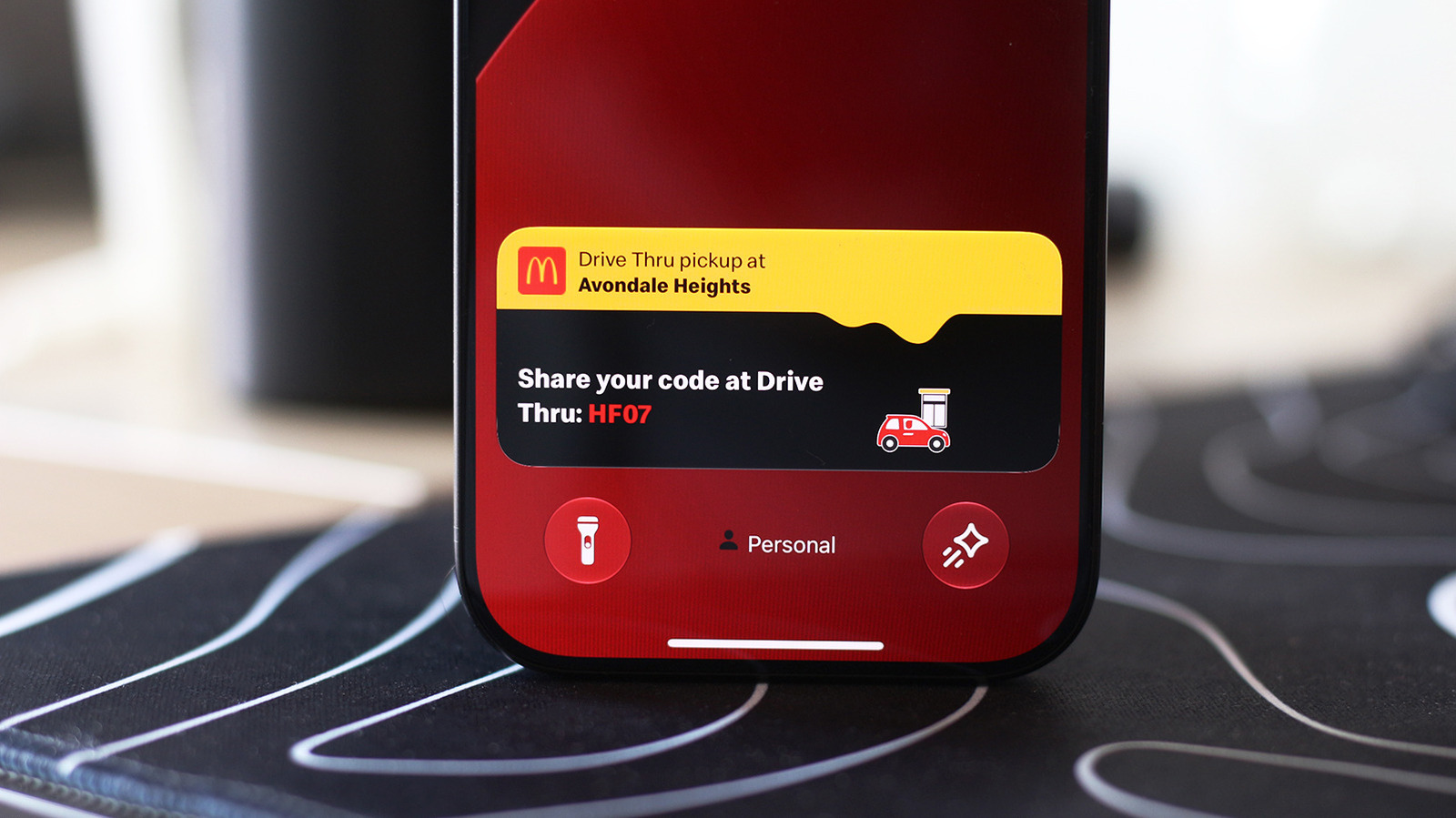
When users are actively engaged with other tasks on their devices, Live Activities populate the Dynamic Island or rest on the Lock screen, eliminating the need to constantly open associated third-party applications. Developers across numerous industries—ranging from food delivery services and ride-sharing platforms to airline flight trackers and sports broadcasting networks—have rapidly adopted the framework, allowing users to monitor fluctuating metrics at a glance. Despite being enabled by default across modern iOS installations, users occasionally encounter scenarios where specific applications fail to project their real-time data. Troubleshooting these occurrences typically involves verifying application-specific permissions within the system settings menu, ensuring that the dedicated slider for Live Activities remains toggled on, and confirming that standard notifications are permitted to run concurrently to support background data refreshing.
Similarly, maintaining visibility of these persistent updates when the device is locked requires appropriate authorization configurations within the device’s security and passcode parameters, ensuring that glanceable information remains accessible without compromising personal data privacy.
Using Live Activities on CarPlay
The integration of real-time data management extends far beyond handheld usage, finding a particularly crucial application in the automotive sector through Apple CarPlay. Designed to minimize driver distraction while maintaining access to vital trip details, communication tools, and media, CarPlay bridges the gap between personal mobile computing and vehicular infotainment systems. As an extension of this philosophy, the interface seamlessly projects Live Activities directly onto the dashboard, allowing motorists to track critical milestones—such as the precise arrival time of a delivery order or real-time gate changes for an upcoming flight—without shifting their primary focus away from the road.
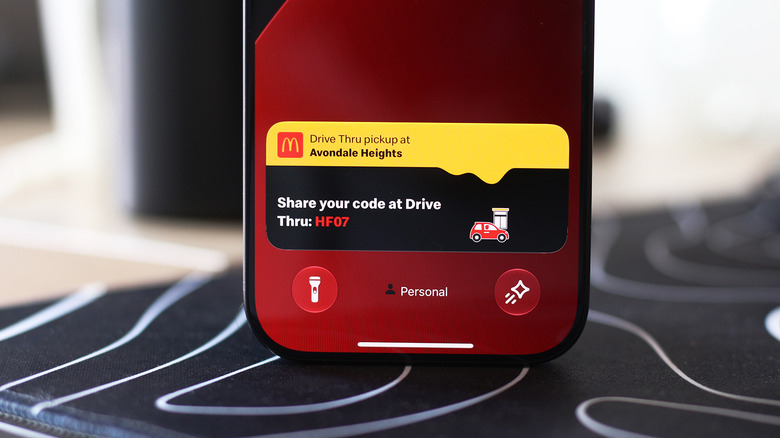
Within the CarPlay ecosystem, live updates are handled intelligently depending on the user’s current display configuration. Live Activities from the paired iPhone typically populate the CarPlay Dashboard automatically, appearing neatly within the split-screen view situated alongside the primary application list. For instances where a user has maximized a specific application to occupy the entire display real estate, the interface ensures that critical updates are not entirely hidden, rendering them instead as unobtrusive notifications along the bottom margin of the screen. Should these persistent banners become a source of distraction or visual clutter during transit, drivers retain the flexibility to deactivate the feature entirely within CarPlay settings or selectively restrict individual applications that generate excessive updates.
When real-time information fails to populate on the vehicular display, resolving the issue generally involves inspecting the system configuration within the CarPlay settings application to verify that the primary toggle for live updates is active, alongside ensuring that contextual suggestions on the dashboard are permitted to function. Furthermore, environmental factors such as active driving focus modes can occasionally suppress incoming data streams, requiring users to adjust their focus profiles if expected updates fail to materialize on the dashboard. Beyond real-time tracking, the CarPlay interface supports extensive personalization, allowing operators to integrate custom application widgets into the leftmost section of the dashboard for rapid control over media and navigation, while offering broader display customization options to tailor the visual presentation to individual preferences.