





Modern MacBooks are remarkably sophisticated when it comes to managing their own power systems and preserving battery health over years of daily use. Yet, a persistent piece of conventional wisdom continues to worry laptop owners who find themselves chained to their desks for hours on end. When you are deep in the zone, typing away on your MacBook, the last thing you want is for its battery to die right in the middle of a critical work session. Naturally, this leads many users to wonder whether it is safe to keep their device plugged into a power outlet nonstop.
There is a widely held misconception that leaving a laptop plugged in continuously will inevitably fry the battery, or at least significantly reduce its long-term effectiveness. However, thanks to advances in lithium-ion battery technology and the sophisticated smart charging software built into modern MacBooks, it is generally fine to keep your laptop plugged in at all times. Apple’s internal power management systems are designed to handle continuous charging without compromising the lifespan of the internal components.
Still, keeping a laptop plugged in indefinitely does come with a few important caveats. Users must account for unusual electrical issues such as sudden power surges, storms, or blackouts, as well as environmental factors like overheating. Furthermore, while continuous connection is generally safe, understanding how your computer manages energy requires acknowledging a few best practices. These may include the occasional unplugging and utilizing built-in software settings designed to promote long-term battery health.
Is It Better to Use a MacBook on Battery or Plugged In?
For the average user, the short answer is that it typically makes very little difference whether the machine runs on battery power or stays connected to an adapter. Apple computers utilize default software designed to monitor battery life dynamically, adjusting automatically to individual user habits and routine fluctuations in device power consumption. These background tools work by continuously tracking the computer’s temperature history and daily charging patterns, modifying how electricity flows into the machine accordingly.
MacBooks, much like virtually all modern consumer laptops, run on advanced lithium-ion batteries engineered to endure a high number of charge cycles before degradation becomes noticeable. Beyond the physical hardware, these systems contain specialized software that analyzes historical charging data to calculate precisely when it is appropriate to reduce the battery’s maximum charge. By temporarily halting full charges, the system minimizes internal chemical wear and tear, ultimately granting the battery significantly more longevity over its operational lifespan.
This sophisticated battery health management feature is activated by default on Mac laptops running macOS Catalina 10.15.5, which was released in 2019, and all subsequent operating system versions. For users who want to verify their settings or who may have adjusted them in the past, checking or activating the feature requires only a few clicks. By navigating to the Apple menu, opening System Settings, and locating the Battery tab in the sidebar, users can access their battery health details. Clicking on Battery Health within this section reveals the option to manage battery longevity and ensure the automated protections remain fully enabled.
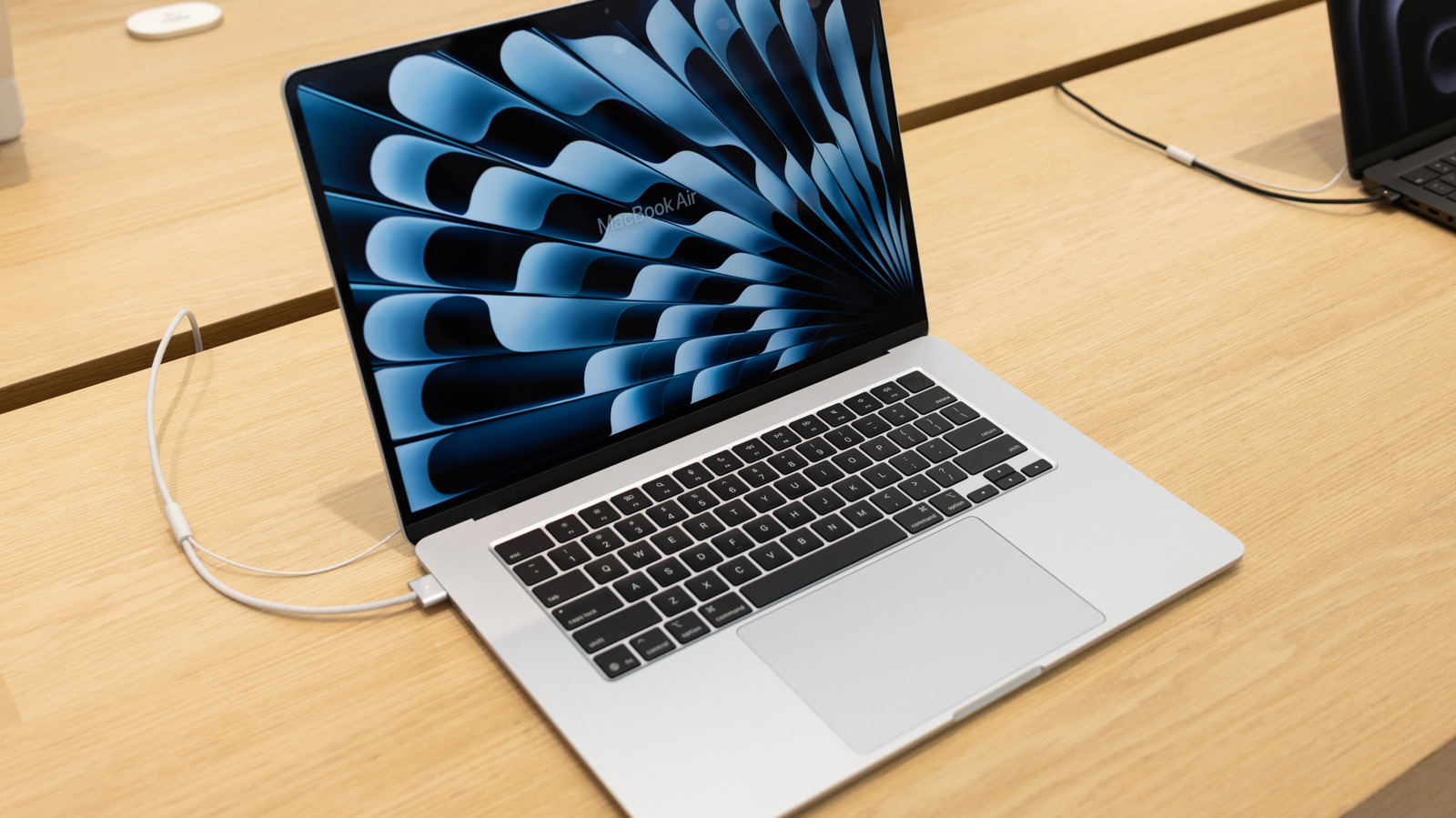
While historical computing etiquette once dictated that users should strictly avoid letting a laptop battery charge all the way to 100 percent and then linger there indefinitely, today’s hardware operates under entirely different rules. It is now perfectly acceptable to keep your MacBook plugged in while you work, stream, or game. The underlying operating system will simply pause its charging cycle at optimized times, preventing the battery from sitting at maximum voltage stress for prolonged periods.
How to Protect Your Laptop’s Battery Health Over Time
Even with advanced software handling the heavy lifting, users who want to keep a close eye on their hardware can easily check its status directly within the operating system. By returning to the Battery section under System Settings, owners can view the current condition of their power source. The system typically displays a status indicator reading either normal or service recommended. While some gradual fluctuation in maximum capacity is entirely normal and expected over years of standard use, Apple generally does not recommend seeking a battery replacement until the overall capacity drops below 80 percent of its original factory specification.
One specific scenario where battery levels require careful attention is when preparing to store a device for an extended period. According to official guidelines provided by Apple, the absolute best way to preserve battery health if you plan to leave your laptop unused for weeks or months is to charge it to approximately 50 percent capacity before powering it down. Storing a lithium-ion battery fully charged for an extended duration can cause it to permanently lose some of its chemical capacity, resulting in noticeably shorter battery life when the machine is finally put back into service.
By far the single biggest environmental factor affecting the long-term health of a laptop battery is excessive heat. If you are working outside at an outdoor cafe on a warm summer afternoon, for instance, you may want to proactively unplug your device or relocate to a cooler, shadier spot. Allowing a computer to heat up from intensive tasks while simultaneously pumping current into its battery can negatively impact the internal chemistry. Apple lists the ideal operating temperature ranges for its portable computers between 50 and 95 degrees Fahrenheit.
In addition to warm ambient environments, certain physical accessories such as restrictive protective cases or poorly ventilated laptop stands can inadvertently trap heat, causing a device to warm up excessively while charging. If you notice that your MacBook is getting unusually hot during standard tasks, you should check to ensure that its internal cooling fans are completely unblocked and functioning properly. As a fundamental rule of thumb across all modern electronics, keeping batteries relatively cool is one of the easiest and most effective ways to help them last longer.