

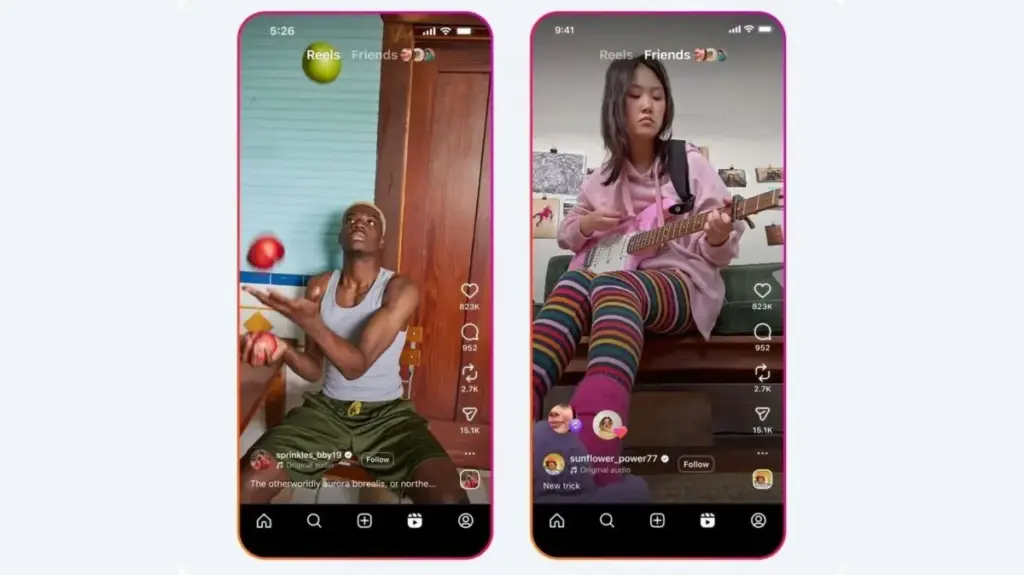
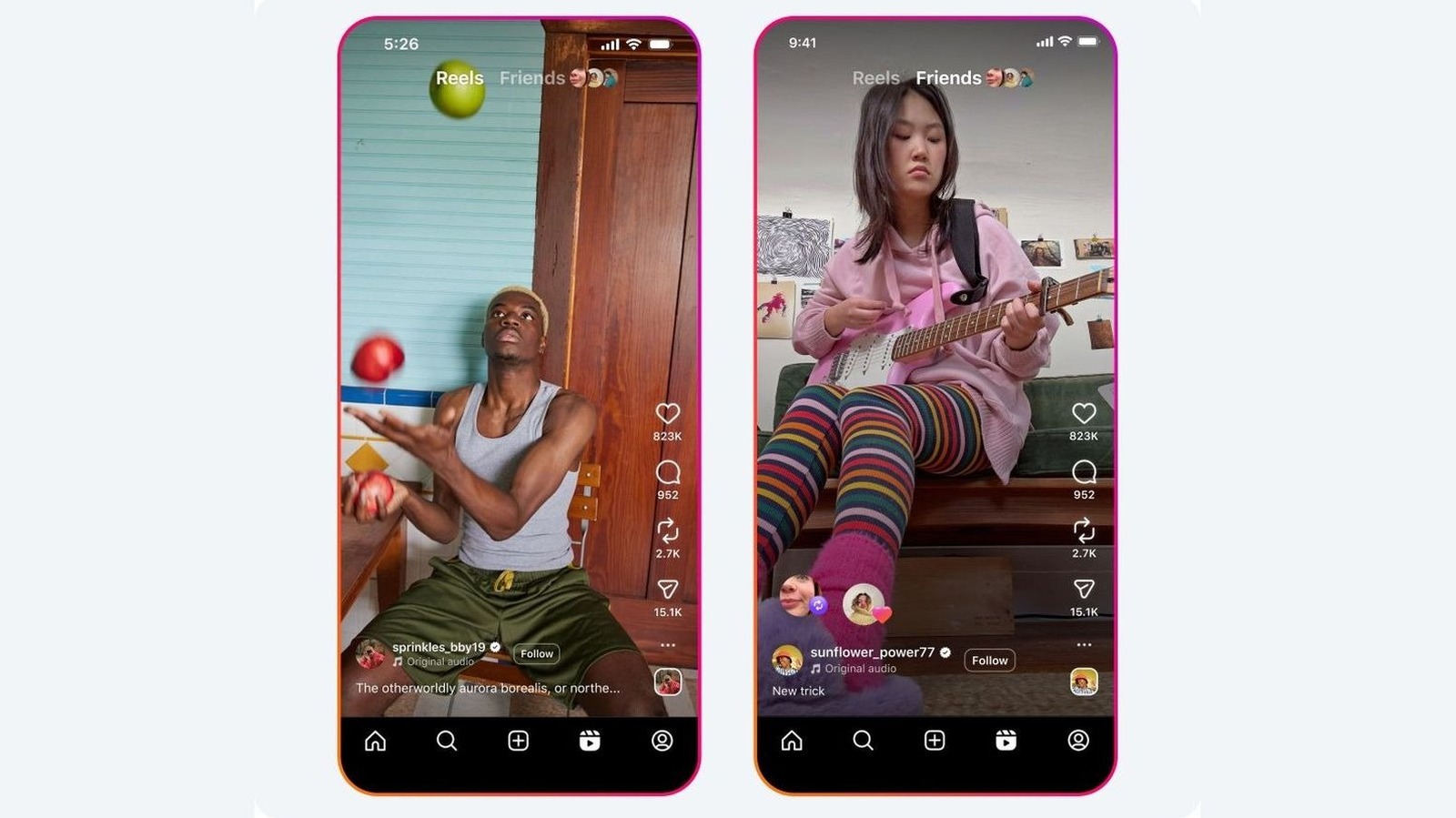
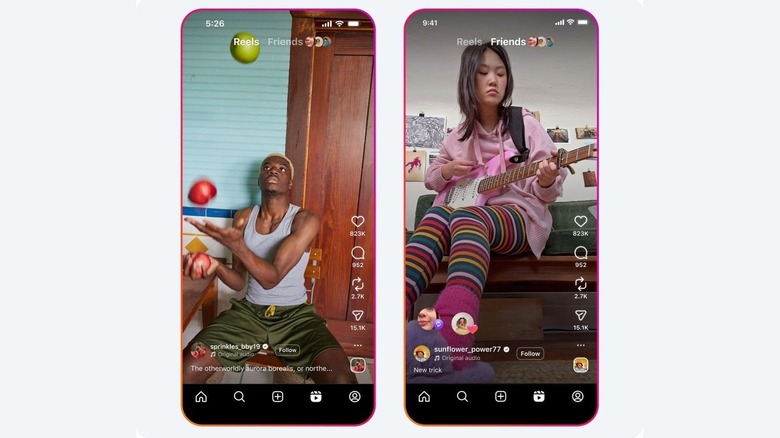
Meta’s popular social media platform Instagram continues to refine how users interact with content, offering a dedicated repost feature that allows individuals to curate their own corner of the digital space with a single tap. For anyone who spends time scrolling through the application, the small icon featuring two curved arrows is a familiar sight. Positioned just after the heart icon for likes and the comments bubble, this third button serves as a streamlined method for sharing content from other creators directly onto a user’s profile, bypassing older workarounds like third-party apps, manual screen recording, or endlessly forwarding links via direct messages.
Unlike traditional sharing methods that confine content to ephemeral Stories or private direct messages, the repost function integrates external material seamlessly into the broader ecosystem of the platform. It offers a balanced approach to content distribution by ensuring that the original creator remains directly credited for their work while simultaneously giving them an opportunity to reach a substantially wider audience. For the user sharing the post, the feature provides an efficient way to curate a profile grid with material that resonates with their personal taste or brand identity, even if they did not produce the underlying media themselves.
What Does Reposting on Instagram Actually Do?
When an Instagram user utilizes the repost feature, they are essentially amplifying a public post or reel from another account so that it becomes visible to their own followers. This mechanism differs fundamentally from creating original content, as the shared media remains tethered to its source. Rather than appearing as though the user generated the work themselves, every repost maintains a clear, direct line back to the original author. This design philosophy protects intellectual attribution while transforming a standard user profile into a dynamic curation hub.
All reposted content accumulates within a dedicated tab on a user’s profile. Visitors to the profile can access this section by tapping the designated repost icon, which features the signature two circling arrows, located alongside the standard grid and tagged photo tabs. Furthermore, these shared items appear directly within the feeds of the user’s followers and populate the Friends tab within the Reels section, extending the organic reach of the material well beyond its initial publication window. Unlike standard Instagram Stories, which automatically vanish after a 24-hour period, reposts remain visible indefinitely unless manually removed by the user who shared them.
A critical nuance of the feature is its reliance on mutual permission. Users can only repost content if the original creator has explicitly allowed the action on their posts and reels. Conversely, account holders retain full autonomy over their own content, maintaining the right to grant or withhold permission for others to repost their media. Because the repost button is positioned prominently near other engagement metrics, accidental taps can occasionally lead to unintentional sharing. To address this, Instagram has incorporated multiple avenues for users to reverse the action. A repost can be undone immediately by returning to the original post and tapping the button a second time, or by utilizing a long-press gesture to select the deletion option directly from the display. Users can also navigate through their account settings via the profile menu, accessing their activity logs to review, manage, and bulk-delete any unwanted reposts from their history.
How to Enable and Use the Repost Feature
Controlling how content is shared across the platform is handled through straightforward privacy and sharing settings within the application. Account holders who wish to manage whether their own posts and reels can be amplified by others can navigate to their profile page, access the main menu, and locate the sharing and reuse preferences. Within these settings, a specific toggle governs whether external accounts are permitted to repost published materials, allowing creators to maintain strict control over how their media circulates throughout the network.
Using the feature to curate a personal feed requires minimal effort. Upon encountering a public post or reel of interest, a user simply taps the repost icon to initiate the share. The interface also provides an option to include a brief personal note or commentary by utilizing an accompanying thought-bubble icon before finalizing the action. Once saved, the curated content becomes part of the user’s permanent collection, remaining accessible to their follower base as part of an evolving digital tapestry. Through these mechanisms, Instagram balances the desire for effortless content curation with the necessity of creator attribution and user privacy.