



For years, the smartphone ecosystem has been defined by walls rather than bridges. While debate constantly surrounds whether the iPhone reigns supreme as the best device on the market, a far less contentious point is Apple’s mastery over its surrounding hardware ecosystem. Products like AirPods have firmly established dominance in the truly wireless earbuds category, while the Apple Watch remains widely regarded as one of the most polished and reliable smartwatch experiences available to consumers.
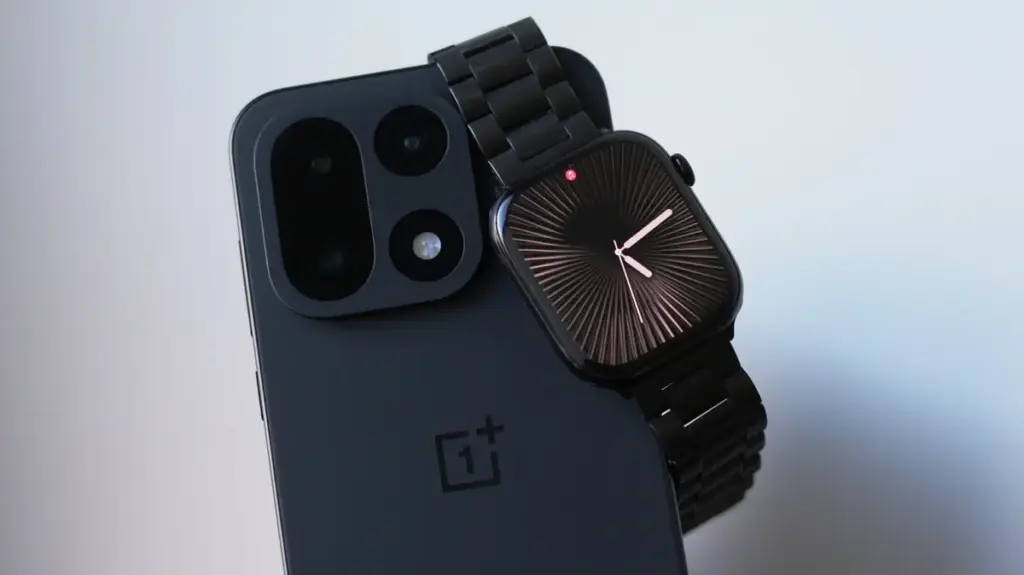
Unfortunately, these premier accessories are intentionally designed to function at their absolute best only when anchored to an iPhone. For the Apple Watch specifically, cross-platform compatibility has historically been a non-starter. The device simply refuses to pair with or operate natively on an Android smartphone. This ecosystem lock-in presents a frustrating dilemma for users who might admire Android hardware innovation—such as transitioning to a sleek OnePlus device—yet find themselves unwilling to abandon their preferred wristwear. Previously, users attempting to make this leap faced an impractical reality: carrying a dead iPhone around simply to keep their Apple Watch connected, or relying on complex workarounds restricted strictly to cellular models of the watch where two devices operate independently without true communication.
Enter Merge Watch, a third-party application designed to bridge this formidable technological gap. The software claims to allow users to successfully pair their Apple Watch directly with an Android device, offering a glimmer of hope for consumers caught between operating systems.
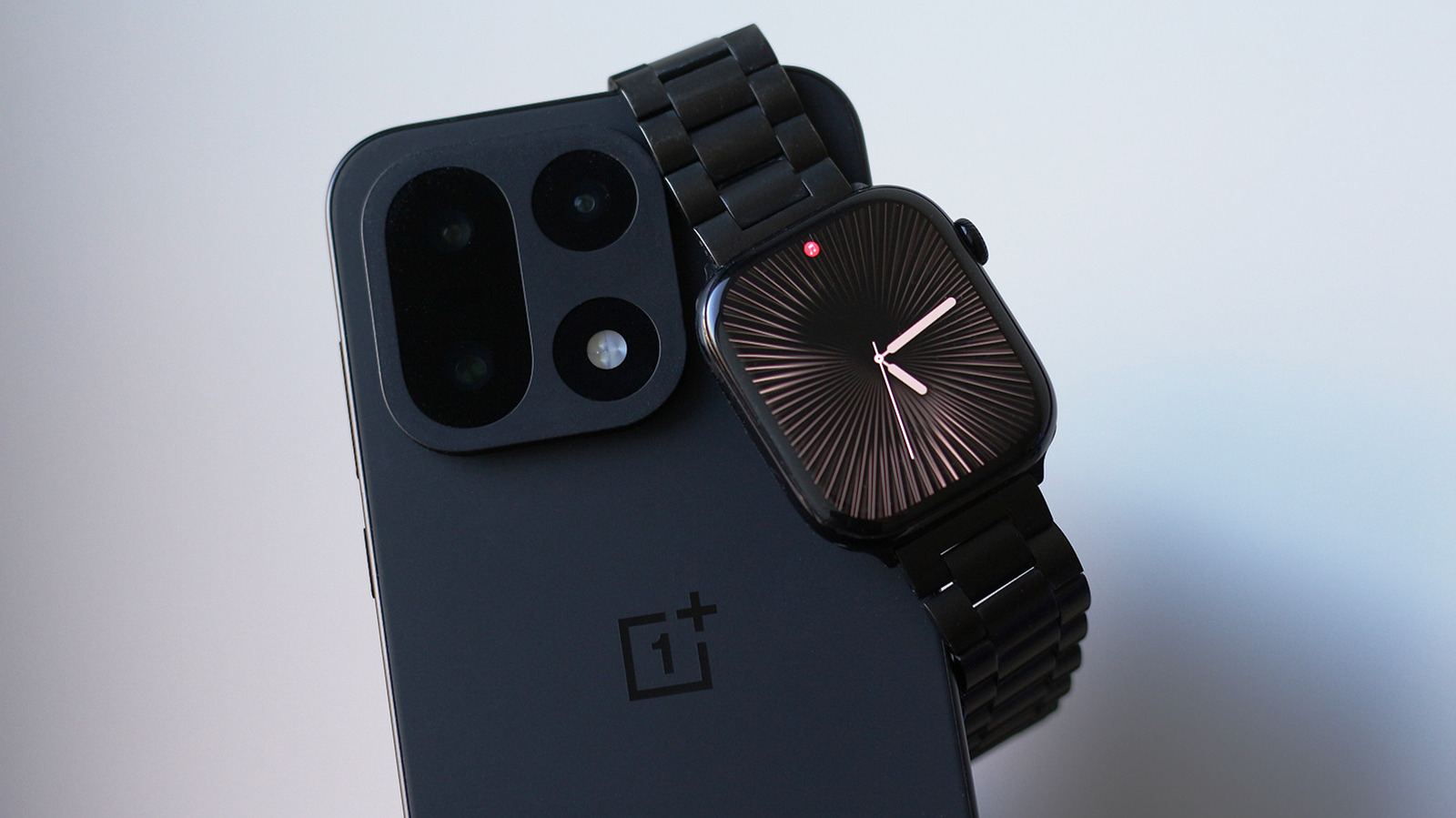
The setup process requires a specific sequence. Initially, users must activate their Apple Watch using an iPhone. Once that baseline configuration is established, the Merge Watch app must be installed on the watch via the watchOS App Store and on the Android phone via the Google Play Store. Launching the application on both platforms requires granting a series of deep permissions, including Bluetooth access, health data synchronization, notification access, and battery optimization exceptions. Users then complete the handshake by tapping their phone’s name on the Apple Watch and confirming a six-digit pairing code generated on the mobile device.
Health data collected by the watch is routed through Google Fit, though initial synchronization can experience noticeable delays during the primary setup phase. Once the configuration successfully executes, the Android phone and the Apple Watch establish a continuous line of communication.
How Well Does Merge Watch Work?
Establishing a technical connection is merely the first hurdle; the true test of any cross-platform bridge is how much of the native Apple Watch experience successfully translates to an Android operating system. Surprisingly, notification forwarding performs quite capably. Users can receive alerts and even draft direct replies to incoming messages straight from their wrist. Media playback controls function smoothly across popular streaming platforms like Spotify, allowing users to manage audio directly from the watch interface. Furthermore, the health metrics gathered by the Apple Watch successfully populate into Google Fit, bridging the gap between Apple’s hardware and Google’s tracking ecosystem, even if the user interface of Google Fit leaves something to be desired.
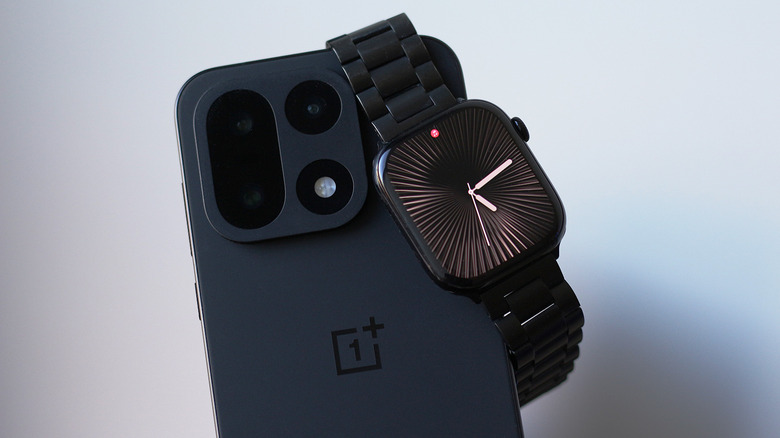
To prevent sensory overload from constant wrist buzzing, the Merge Watch companion app allows users to filter notifications on a granular, per-app basis. Specialized health features, including ECG recordings and detailed sleep tracking data, successfully transfer over and display within the mobile application on the Android device.
Despite these functional victories, the cross-platform experience falls short of the seamless polish typical of native ecosystems, a reality made more pronounced given that the service operates on a paid subscription model. Because every notification delivered to the Apple Watch arrives courtesy of the Merge app rather than native watchOS notification channels, interacting with alerts often feels akin to opening an application within an application just to read or respond to a message.
Other standalone applications installed on the Apple Watch continue to operate independently; the Merge Watch app serves primarily as the conduit for notifications and the shared framework between the two disparate operating systems. In practice, the system functions more like notification mirroring than true integration. Unlike the iPhone, which intelligently dictates whether a notification should surface on the phone screen or the watch display based on user attention and device state, an Android phone will continue to buzz with incoming alerts even while the user is actively engaging with their Apple Watch. This behavior likely represents the limit of what third-party developers can achieve when constrained by Apple’s tightly locked system architecture.
Using an Apple Watch with Android
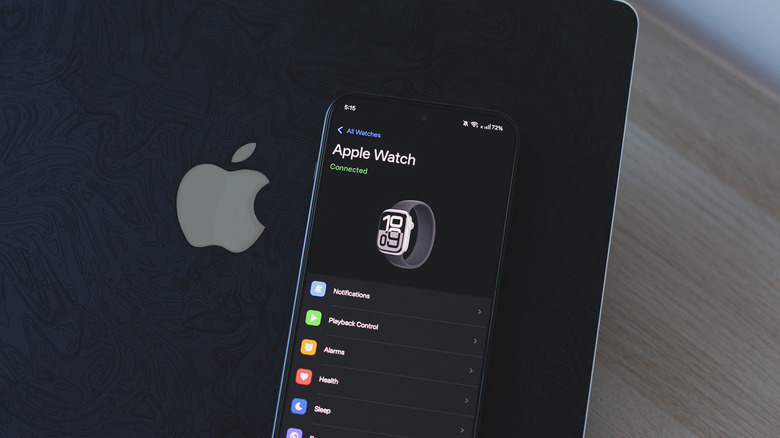
Operating an Apple Watch via a third-party bridge naturally raises valid privacy and security considerations, as users are granting an external application access to sensitive personal information and comprehensive health metrics. According to Merge Watch’s privacy policy, the majority of data remains locally stored on the user’s personal devices. When notifications are transmitted through an internet relay, they are protected by end-to-end encryption. A more immediate hurdle for many users, however, is the application’s pricing structure. Merge Watch operates on a subscription model featuring two distinct tiers, with unlocking the full suite of features requiring a recurring commitment of six dollars per month.
Real-world testing yields a mixed performance profile when operating an Apple Watch exclusively with an Android device while the companion iPhone remains powered down. Merge Watch does not strictly mandate a continuous internet connection for the watch, relying primarily on Bluetooth for routine communication. However, occasional disconnects occur where the watch fails to deliver incoming nudges, requiring the user to manually launch the app on the watch face to force a reconnection. This manual intervention frequently results in a delayed flood of notifications pinging the wrist all at once as the application awakens from a background sleep state.
Power consumption on the Apple Watch also sees a modest increase, a predictable side effect of an application running continuously in the background throughout the day to fetch and relay notifications. Testing conducted using watchOS on an Apple Watch Series 10 connected to a OnePlus device running Android highlights the ongoing friction of background management. Modern Android skins often feature aggressive battery preservation protocols designed to suspend background tasks in favor of prolonged battery endurance. Even when battery optimization permissions are explicitly disabled for the Merge Watch application, occasional notification delays remain difficult to completely eliminate.
Ultimately, Merge Watch proves to be a reasonably reliable service for users determined to maintain their investment in Apple hardware while transitioning to an Android smartphone. While consumers accustomed to modern software ecosystems might lament the absence of a one-time purchase option in favor of a monthly fee, the software offers a functional path forward in an industry largely devoid of alternative solutions for cross-platform smartwatch utilization.