

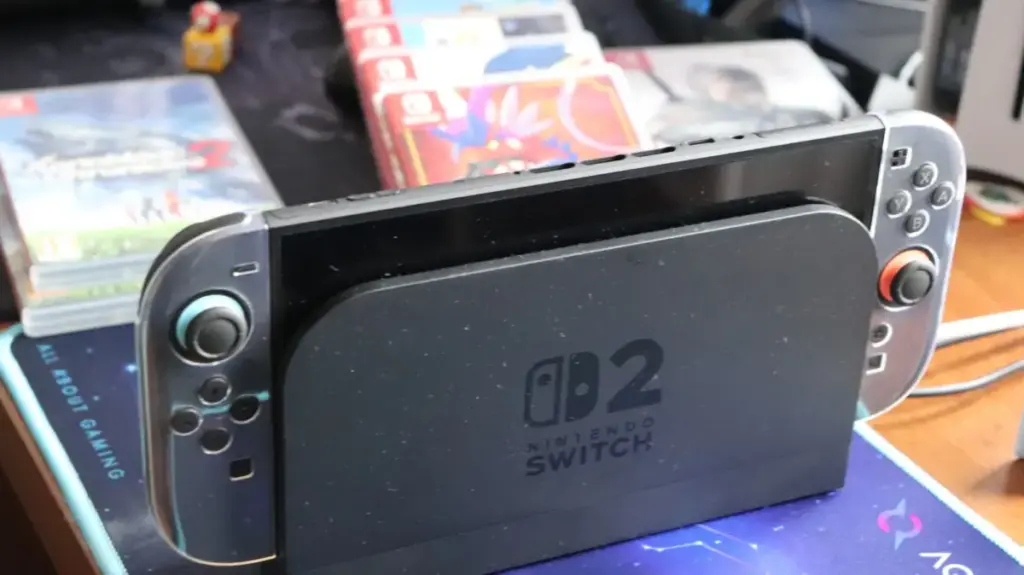
The Nintendo Switch 2 arrives with a notable hardware bump over its predecessor, featuring 256GB of internal storage to accommodate a new generation of games. However, after accounting for system software, users are left with roughly 249GB of usable space. While this gives players enough room to unbox the console and jump straight into gaming, it represents a relatively slim margin by modern gaming standards. Compounding the situation, physical Switch 2 games for first-party titles now command higher prices than their digital counterparts, presenting a frustrating dynamic for players trying to conserve internal storage by opting for physical media.
Modern updates and downloadable content continuously chip away at available space, while a subset of Switch 2 releases relies on Game-Key Cards—a format that requires a full download of the game to the console rather than running it directly from the cartridge. While indie titles generally maintain a modest footprint and Nintendo’s proprietary games benefit from deep optimization, AAA multiplatform releases present an entirely different storage challenge. Major titles demand substantial portions of the console’s capacity: Final Fantasy VII Remake Intergrade stretches to 90.4GB, Assassin’s Creed Shadows requires 69GB, and Resident Evil Requiem consumes nearly 29GB.
Integrating a microSD Express card into the hardware ecosystem provides a crucial safety valve for the console, particularly for players who lean entirely toward digital distribution and wish to avoid the friction of constant storage management. Expanding the system’s capacity is not an absolute requirement for every user, of course. Those who primarily stick to lightweight indie games or limit their active rotation to a small handful of titles will likely find the base capacity sufficient, at least for the initial period of ownership.
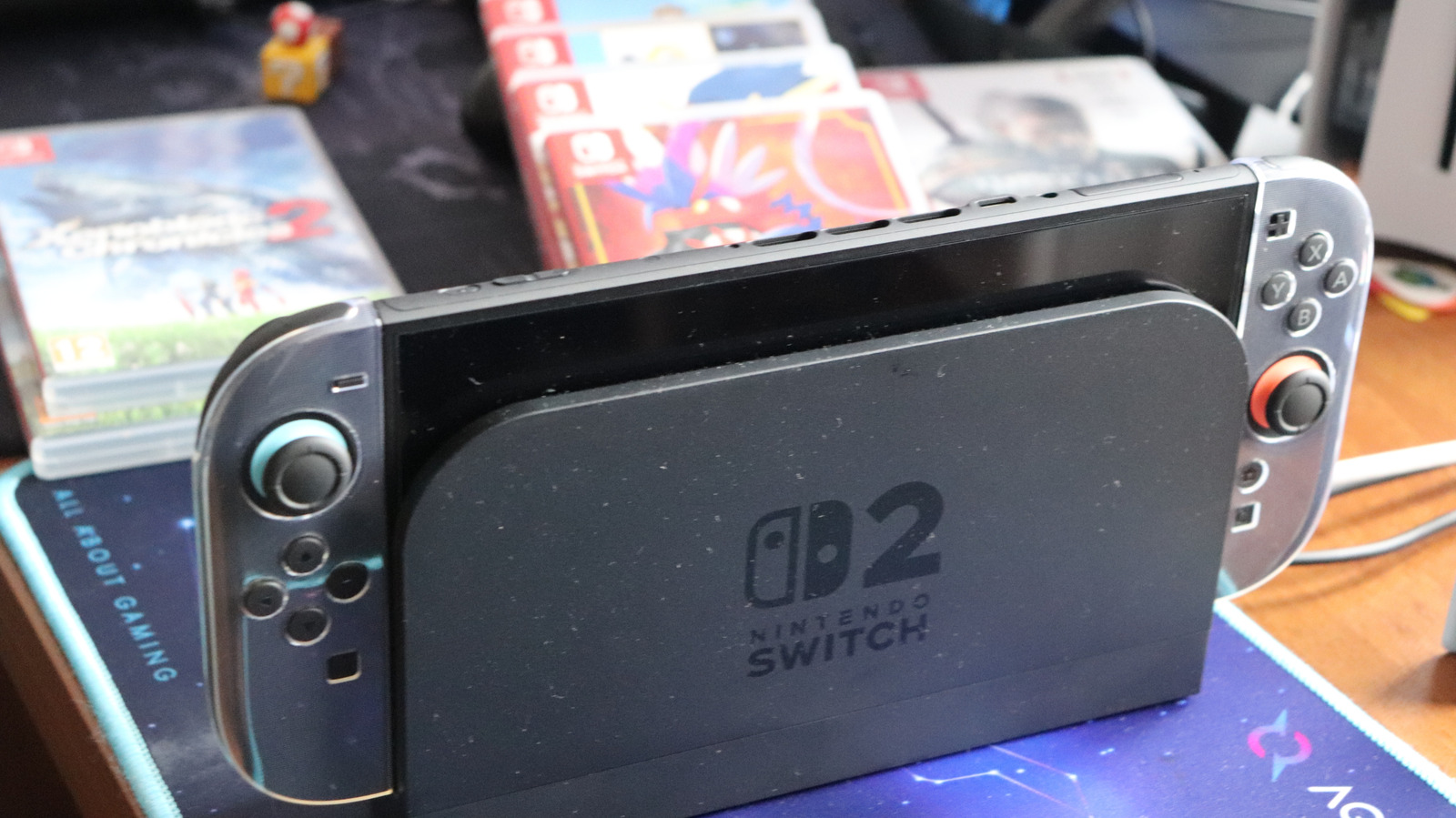
Choose a Capacity for Your Library, Instead of the Largest Number
The ideal capacity for a microSD Express card depends heavily on individual gaming habits, as software file sizes remain the primary driver of storage consumption. For instance, purchasing a 128GB card and subsequently downloading Split Fiction, which takes up 69.2GB, means sacrificing more than half of the new memory card’s capacity on a single title. Constantly shuffling games, buying additional cards down the line, and managing data transfers can become cumbersome and inefficient, making it prudent to select a starting capacity that accommodates anticipated needs for a reasonable duration.
Opting for a 256GB card essentially doubles the storage footprint of the Switch 2 console itself, establishing a comfortable middle ground for the average user. Players seeking additional breathing room can look higher up the scale; while the hardware theoretically supports up to 2TB cards, 1TB currently represents the maximum capacity available for microSD Express cards on the retail market.
Acquiring these high-performance cards can involve a significant financial investment, particularly amid ongoing market pressures such as the broader RAM shortage. Consumers should anticipate paying around $60 for a 256GB card, while top-tier 1TB models command several hundred dollars. Fortunately, performance benchmarks for leading memory card brands—including SanDisk, Lexar, and Samsung—reveal minimal performance discrepancies when paired with the console. The primary objective of the upgrade is to maintain a larger library of installed games rather than achieving faster load times compared to the internal storage drive.
Can I Use Any MicroSD Card in My Nintendo Switch 2?
Players looking to upgrade might consider pulling the microSD card from their original Nintendo Switch, but that hardware will not function with the new console. The Switch 2 requires a specific type of hardware known as a microSD Express card. Consumers must look specifically for the word "Express" or the "EX" logo printed on the card packaging and hardware, taking care not to confuse it with branding like SanDisk’s "Extreme" line, which denotes a different product specification entirely.
The utility of a legacy Switch microSD card is strictly limited to importing screenshots and video clips captured on the original system over to the Switch 2’s internal memory. It cannot be repurposed for storing games, application data, or system software.
Game save data remains permanently tied to the Switch 2’s internal memory and cannot be copied, moved, or backed up to an external microSD Express card. Furthermore, Nintendo officially recommends relying on a single card for storage, as software split across multiple cards cannot later be combined onto one. While users can migrate all data from an existing card to a larger capacity card in the future, the system architecture is not designed for frequent, routine card swapping.