




For a cable widely celebrated as the ultimate "universal connector," the trusty Universal Serial Bus (USB) has spent decades coming in a staggering array of shapes, sizes, and colors. Anyone walking down the electronics aisle or scrolling through online storefronts has likely found themselves staring at the baffling assortment of options, wondering what separates one standard from another and which specific cable is required for a particular device.
Over the past few years, however, the tech landscape has shifted toward a single, clear choice: USB Type-C. It arrives in one standardized shape, discards confusing color-coding schemes, and promises universal compatibility with any USB Type-C device. Yet, despite its ubiquity on smartphones, laptops, tablets, and accessories, a fundamental question continues to puzzle consumers. What does the "C" in USB-C actually stand for? Does it carry a hidden technological meaning, or is it an acronym for a specific feature? As it turns out, the answer is far more straightforward—and perhaps less exciting—than popular imagination suggests.
What the C Doesn’t Stand For
A quick search online reveals a thriving ecosystem of internet theories regarding the letter. Explainer sites and tech forums frequently encounter the same three primary guesses, all of which are entirely myths.
Some consumers naturally assume the letter stands for "connectivity," given that the modern connector bridges the gap between an unprecedentedly wide range of devices, from external graphics cards to wireless headphones. Others figure it must mean "charging," because powering up devices is the primary task most users perform with the cable every single day. A third camp is convinced the letter refers to the physical architecture of the plug, specifically pointing to its rounded, curved shape.
None of these assumptions are accurate. In official technical nomenclature, the "C" simply designates the generation and iteration of the connector. It does not stand for any word, descriptor, or technical attribute beginning with the letter C.
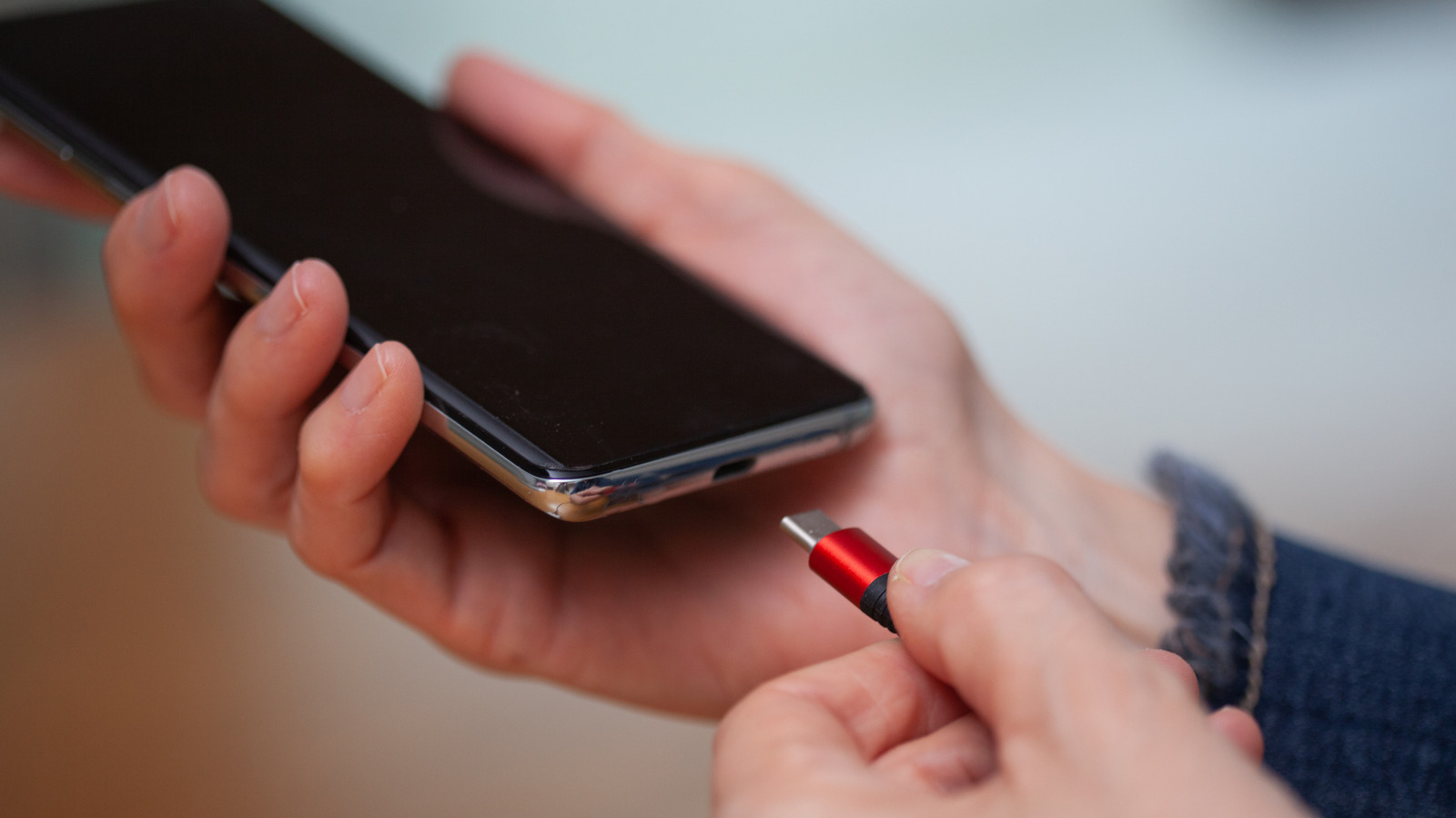
The widespread confusion regarding the letter is compounded by even broader misconceptions about what a USB-C port can actually accomplish. Many users mistakenly believe that the presence of a Type-C port guarantees fast data transfer speeds, or that it is synonymous with Intel’s high-speed Thunderbolt technology. Others assume that every USB-C port manufactured into a device is capable of fast-charging a laptop or driving an external 4K monitor.
In reality, the physical connector is merely a shape. What actually travels through the cable depends entirely on the underlying hardware of the connected devices and the specifications of the specific cable being used. This technical nuance explains why simply seeing a USB-C port is not an absolute guarantee of high-speed data transfer or heavy-duty power delivery.
A Short History: From Type-A and Type-B to Type-C
The true origin of the letter is rooted simply in the chronological evolution of hardware standards. USB Type-C is the direct successor that logically follows the older Type-A and Type-B designs established decades ago.
When USB 1.0 officially arrived in January 1996, it launched with only those two foundational shapes, which were intentionally designed not to be interchangeable. Type-A featured a flat, rectangular profile and was engineered to plug into the host device—typically a personal computer, hub, or power source. Type-B, by contrast, utilized a chunky, nearly square profile designed to plug into the peripheral device on the receiving end, such as a printer, scanner, or external storage drive.
The original architecture of the USB standard was built entirely around a strict one-way hierarchy. The host supplied the electrical power and ran the computational show, while the peripheral device simply went along with the instructions. Utilizing distinctly different physical shapes on either end of the cable ensured that users could not mistakenly plug the connection in backward or force a peripheral into a host port.
As technology progressed, however, the variety of shapes and colors began to multiply rapidly. The introduction of USB 2.0 in the year 2000 brought forth smaller mini-connectors, which were soon followed by micro-connectors as mobile phones and digital cameras demanded thinner profiles. Meanwhile, manufacturers attempted to use color-coding conventions to help consumers tell ports apart—black typically indicated standard USB 2.0 speeds, blue designated USB 3.0, and red or yellow usually highlighted "always-on" ports capable of supplying electrical power even while the host computer was asleep.
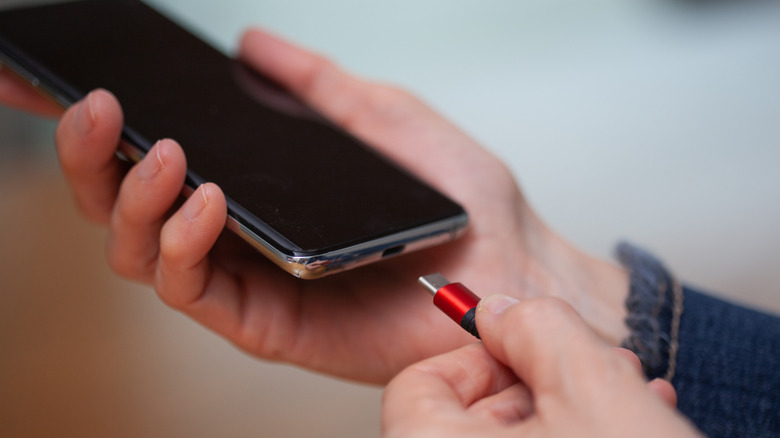
Even then, manufacturers were never strictly bound by these conventions, and many chose to ignore them entirely. Because most setups still relied on a B-style connection on the device side, users were perpetually tethered to cables featuring a Type-A connector on one end and some variation of a Type-B connector on the other.
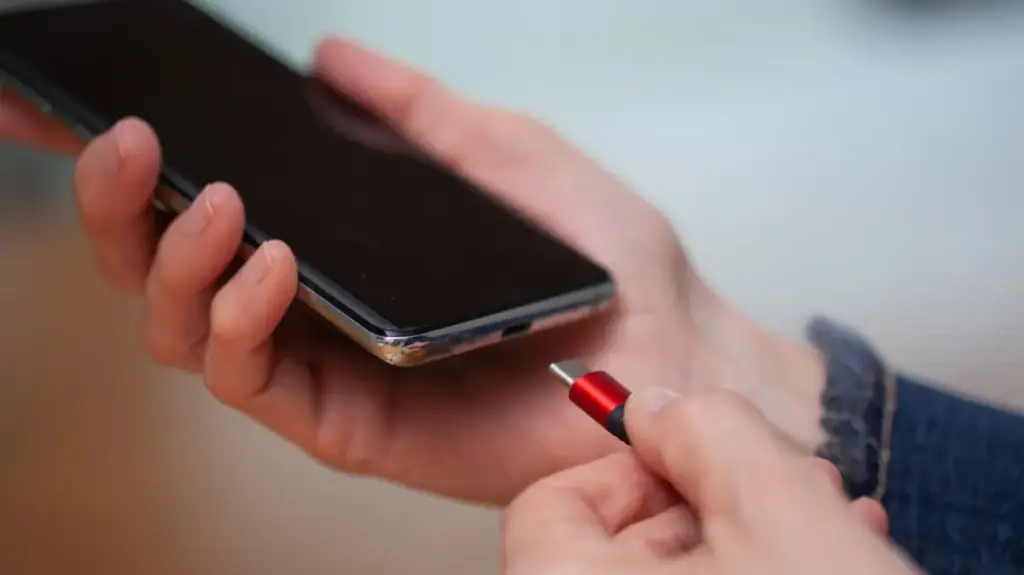
The landscape shifted permanently when USB Type-C was officially finalized in August 2014. The new standard addressed virtually every major complaint consumers and engineers had leveled against previous generations. It was remarkably thin, allowing it to fit easily into the sleekest modern smartphones and ultra-slim laptops. It was entirely reversible, officially banishing the frustrating ritual of guessing which way to orient the plug. Furthermore, it dropped the rigid distinction between host and device shapes, shifting that responsibility away from the physical connector and directly into the internal software and hardware of the connected devices themselves.
Because the physical shape of the port remains identical across modern applications, the need for confusing color-coding systems has largely evaporated. The two connected ends now electronically communicate with one another upon insertion, automatically negotiating the optimal parameters for power delivery and data transfer. Newer, advanced cables continue to push more performance through that exact same physical connector, with standards like USB4 Version 2.0 now achieving blazing speeds of up to 80Gbps over the identical Type-C architecture.
What We Learned, and What We’d Want From a USB Type-D
USB Type-C was met with overwhelmingly positive adoption from both everyday consumers and major technology companies alike, largely praised for its impressive bandwidth, compact footprint, and cross-platform versatility. While early users were primarily enchanted by the simple luxury of a reversible connection, the design is not completely without flaws.
The internal architecture of the receptacle relies on a delicate, thin plastic tab—often referred to as the "tongue"—situated directly in the center of the socket to hold the electrical pins in place. If that internal tab happens to be bent, cracked, or snapped by rough handling, the entire port is permanently ruined. Additionally, while the plug is reversible, seating it properly can occasionally feel finicky depending on the manufacturing tolerances of the peripheral device.
At present, industry standards organizations have outlined no official plans for the development of a subsequent Type-D connector. However, if engineers and consumers were to design a hypothetical successor, ideal improvements would likely feature a simplified, symmetrical ball-shaped plug that secures itself firmly to its socket via magnetic alignment, eliminating mechanical wear and tear entirely.