

It is yet another facelift for Microsoft’s flagship artificial intelligence application, marking a notable shift in how the tech giant wants users to interact with its growing ecosystem of smart features. While Microsoft has recently shown signs of taking a step back from aggressively shoving AI and Copilot features into every corner of the Windows operating system—even letting users reclaim taskbar customization—the company is still trucking along at full speed with upgrades for its dedicated Copilot standalone app.
Following a minor visual refresh earlier this year that aimed to give the interface a more buttoned-up and professional look, the updated Copilot application is now debuting a completely new tabbed interface, alongside the direct integration of core Office applications. It is all part of a broader, concerted move toward making Copilot vastly more useful and practical for both everyday consumers and large-scale enterprises alike.
While the company has faced challenges in truly making the compelling case for serious, widespread consumer adoption of Copilot in daily life, it is an entirely different story when looking at the enterprise market. For businesses that need to constantly ingest and process massive volumes of data, generate comprehensive operational reports, and create high-stakes presentations, AI integration has become a crucial workflow component. Microsoft is leaning heavily into this commercial reality, tailoring its latest round of application updates to meet the complex demands of modern professionals who juggle multiple workflows across different software suites.
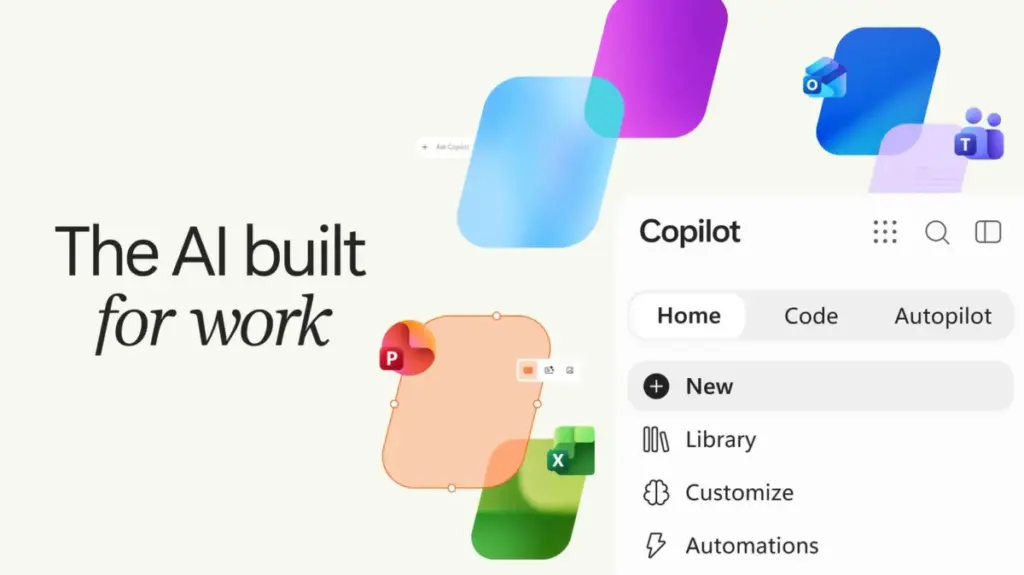
At the core of this redesign is the introduction of a new structured layout within the application. The fresh Copilot app will feature a dedicated "Home" tab, which will serve as the primary landing zone where typical AI chats and standard work processes occur. Microsoft says that over time, the Home tab will evolve to intelligently route user requests dynamically between Copilot’s different underlying modes, removing the guesswork from how to interact with the software. For example, a simple, straightforward question typed into the prompt box may comfortably stay within the standard Chat mode, while a much more complex, multi-step query might automatically trigger a specialized Copilot mode, where the user can delegate actual productive work to the AI assistant to handle behind the scenes.
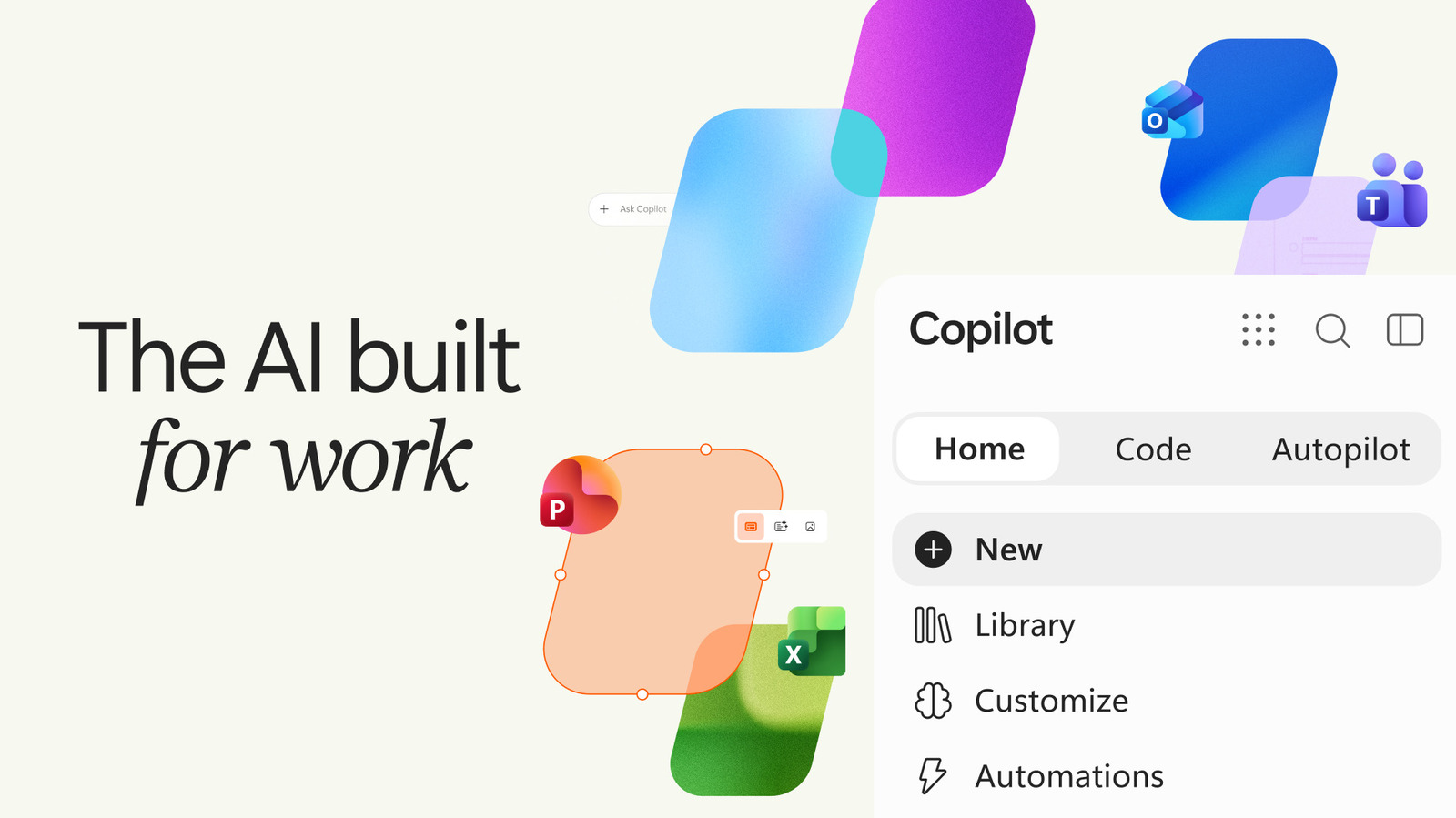
Moving beyond basic chat functionality, the application introduces a brand-new "Code" tab, which represents a significant leap forward in accessibility for non-technical users. This feature is specifically designed to let individuals create small software tasks, utility applications, and custom workflows entirely through natural language requests, requiring absolutely zero prior programming or software development skills.
Rather than writing complex lines of syntax, users can simply describe what they want to achieve in plain English. Jared Spataro, Microsoft’s Chief Marketing Officer of AI at Work, highlighted the capability in a detailed corporate blog post released today, explaining the simplicity of the system. According to Spataro, if a user can describe an application, a project tracker, an interactive dashboard, a piece of automation, or a routine workflow in natural language, Copilot can interpret the intent, choose an appropriate architectural approach, and build it from scratch.
This means that everyday office workers and business analysts can have Copilot spit out anything from simple desktop widgets designed to track daily metrics to fully functional, dynamic dashboards capable of managing and visualizing complex data streams without ever opening a traditional integrated development environment or consulting an IT department.
Rounding out the major feature additions in this software update is the new "Autopilot" tab, which fundamentally unlocks advanced agentic capabilities for the AI platform. With this tab active, users can instruct Copilot to take the reins on recurring operational burdens, allowing the system to automatically respond to active email threads, manage ongoing projects, or deal with routine administrative tasks completely autonomously and without any continuous input or hand-holding from the user’s end.
Spataro elaborated on this agentic autonomy in his public statements, providing practical examples of how the technology is intended to function in a real-world corporate environment. He noted that the system can execute sophisticated, multi-stage business processes, such as setting up and managing a comprehensive supplier review process from inception to completion. This includes tasks like building out the project schedule and workback plan, handling initial preparation work, organizing meetings, and executing follow-ups entirely on its own. The automation even extends to reaching out directly to internal and external stakeholders to gather updates, status reports, and necessary approvals, effectively transforming Copilot from a passive chat assistant into an active, autonomous participant in the daily operations of the modern enterprise.