


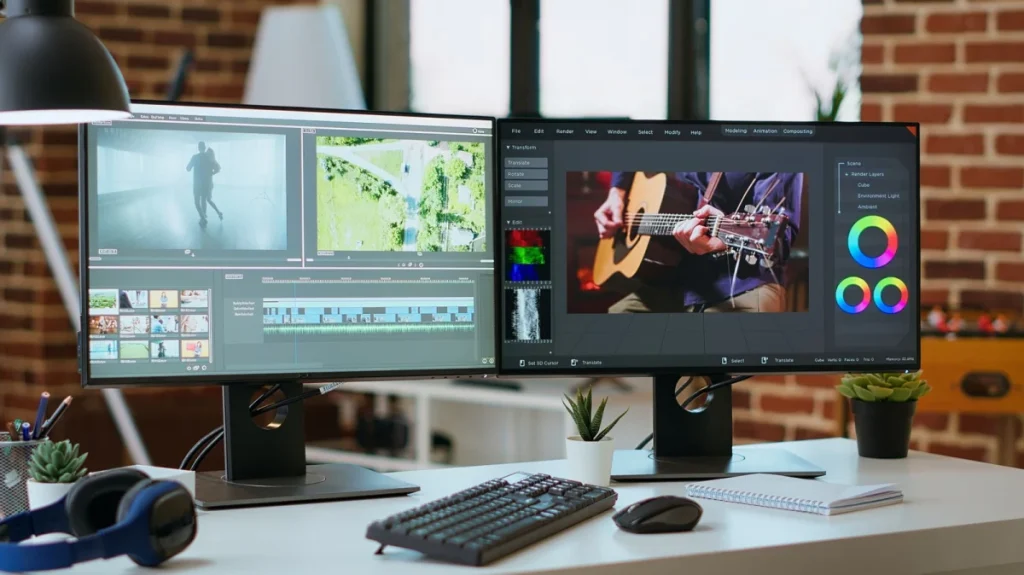
Upgrading a desk setup with a second monitor is widely considered one of the most effective workflow enhancements available to modern computer users. Whether configured for a corporate home office, a creative studio, or a casual gaming rig, expanding desktop real estate eliminates the constant friction of switching between overlapping windows, managing buried browser tabs, and juggling full-screen applications. While industry specialists and data-heavy professionals have long relied on multi-display environments, an increasing body of everyday office workers, remote employees, and casual users are discovering the profound ergonomic and practical benefits of adding an extra screen to their daily routine.
The primary advantage of introducing a second display is the immediate expansion of workspace without the need to constantly minimize, resize, or navigate through hidden tabs. For standard writing, administrative tasks, and digital research, having a single screen split in half often compromises legibility, forcing users to squint at compressed text or scale down documents to unreadable proportions. By distributing tasks across two distinct, full-sized monitors, users can dedicate one display entirely to deep-focus work—such as drafting reports, editing video timelines, or writing code—while reserving the adjacent screen for complementary tasks, reference materials, or communication tools.
While multi-monitor configurations are naturally associated with technical fields such as software engineering, financial trading, and music or video production, their utility extends far beyond intensive computing. Professionals in administrative, corporate, and client-facing roles routinely report significant improvements in efficiency. Daily office operations often require cross-referencing information between different files, updating spreadsheets while pulling data from legacy systems, or copying and pasting text across multiple platforms. A dual-monitor setup allows workers to place source documents on one screen and target applications on the other, transforming a tedious sequence of window toggling into a fluid drag-and-drop process.
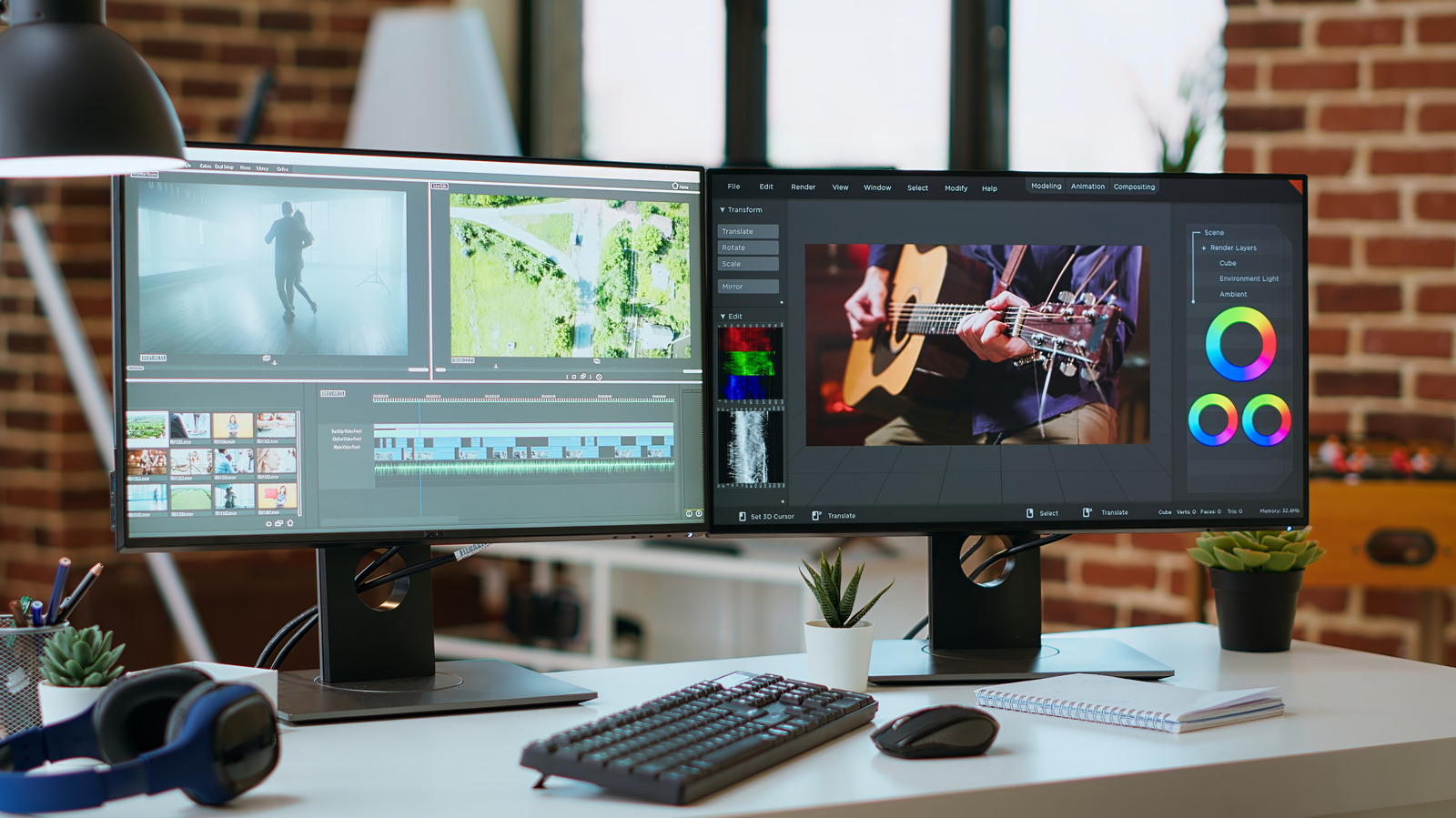
Beyond core document management, a secondary display serves as an ideal home for static or auxiliary information that requires continuous monitoring. Communication suites such as Slack, Microsoft Teams, and corporate email clients can remain permanently visible on a side monitor, ensuring that important messages are never missed while primary tasks are underway. This separation of workspace prevents interruptions from derailing concentration, as users can glance at incoming notifications without actively navigating away from their main window.
The advantages of a multi-display environment are equally pronounced during remote meetings, virtual conferences, and collaborative sessions. During a video call, participants frequently need to take detailed notes, reference project timelines, or consult presentation scripts. With a two-monitor configuration, a video conferencing window can occupy one display while a word processor or spreadsheet remains open on the other, allowing users to maintain visual engagement with their team members without burying important meeting notes behind active video feeds. Similarly, content creators and streamers benefit immensely from dual-screen layouts, utilizing one display to run primary software or games while managing audio levels, monitoring chat streams, interacting with audiences through platforms like Discord, and overseeing recording hardware in real time.
Beyond digital efficiency, a physical dual-monitor setup offers tangible improvements to workspace organization and desktop tidiness. Many professionals who lack a second screen resort to printing physical reference documents to view them alongside their computers, generating unnecessary paper waste and desk clutter. Adopting a digital alternative eliminates the need for physical printouts while avoiding the distractions often introduced by relying on secondary mobile devices, such as tablets or smartphones, which are prone to unrelated notifications and alerts.
Usability Advantages of a Second Monitor
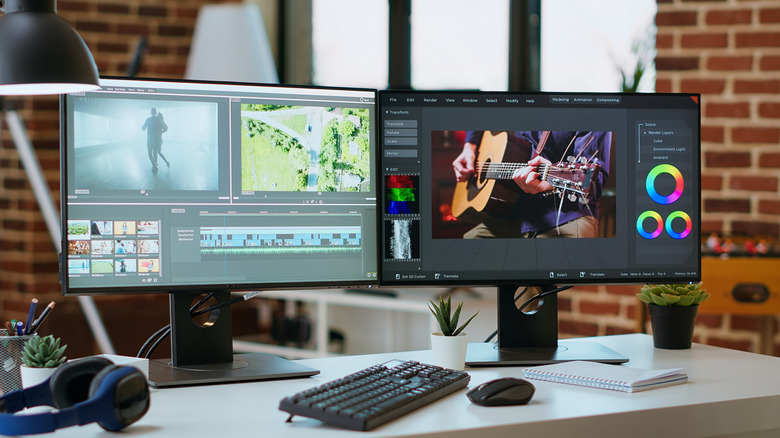
Achieving a seamless multi-monitor environment requires careful planning regarding hardware selection, physical ergonomics, and desktop organization. Industry experts note that building a functional dual-monitor workstation does not necessarily require purchasing two top-tier, high-end displays. Specialized performance specifications—such as ultra-high refresh rates and advanced color accuracy—are primarily vital for the primary monitor where a user spends the majority of their viewing time. For a secondary screen dedicated to static applications, messaging apps, or reference materials, a more affordable monitor with standard specifications is often entirely sufficient.
However, achieving visual harmony across the desk requires careful attention to physical dimensions and hardware matching. Ideally, a secondary monitor should match the size of the primary display to maintain visual balance and prevent awkward mouse transitions between screens with mismatched vertical heights. Furthermore, selecting a second monitor with a comparable pixel density ensures that text, icons, and image scaling remain consistent as windows are dragged from one screen to the other. To achieve proper alignment, users frequently rely on robust mounting hardware, such as dual-monitor desk arms or stands, which allow both displays to be positioned at an identical eye level.
Ergonomic considerations remain paramount when expanding a computer setup. Improper monitor placement can lead to neck strain, eye fatigue, and poor posture over extended working hours. Users must carefully calculate their viewing distance from both screens and adjust the height and tilt angles of the displays to align the top of each monitor at or slightly below eye level. Additionally, connecting two displays requires adequate hardware support from the host computer, including sufficient video output ports and the appropriate cabling to transmit high-resolution signals without latency.
For laptop users, establishing a permanent multi-monitor desk workstation often involves utilizing docking stations or configuring power management settings to ensure the computer remains operational even when the laptop lid is closed. Modern computing hardware, including recent generations of Apple MacBooks and Windows-based systems, generally supports multiple external displays out of the box, though users must verify specific hardware compatibility before investing in additional gear.

Dual Monitor Organization and Tips
While a multi-monitor arrangement may not be necessary for every single task or every user throughout the entire workday, its availability during complex, multitasking-heavy workflows provides a significant operational advantage. By removing the daily friction of constant window switching and enabling a clearer division between primary tasks and background communications, a second monitor continues to serve as an accessible and highly effective upgrade for home offices and professional environments alike.