



Modern smartphones have evolved to make connectivity as seamless as possible, but certain everyday maintenance tasks still invite debate among tech enthusiasts and casual users alike. Among them is a seemingly trivial question: whether it is truly necessary to power down a mobile device before swapping out a physical SIM card. While contemporary operating systems and hardware allow users to hot-swap subscriber identity modules while the device remains fully operational, industry experts and troubleshooting guidelines suggest that taking a moment to shut down the phone remains the safest and most reliable practice.
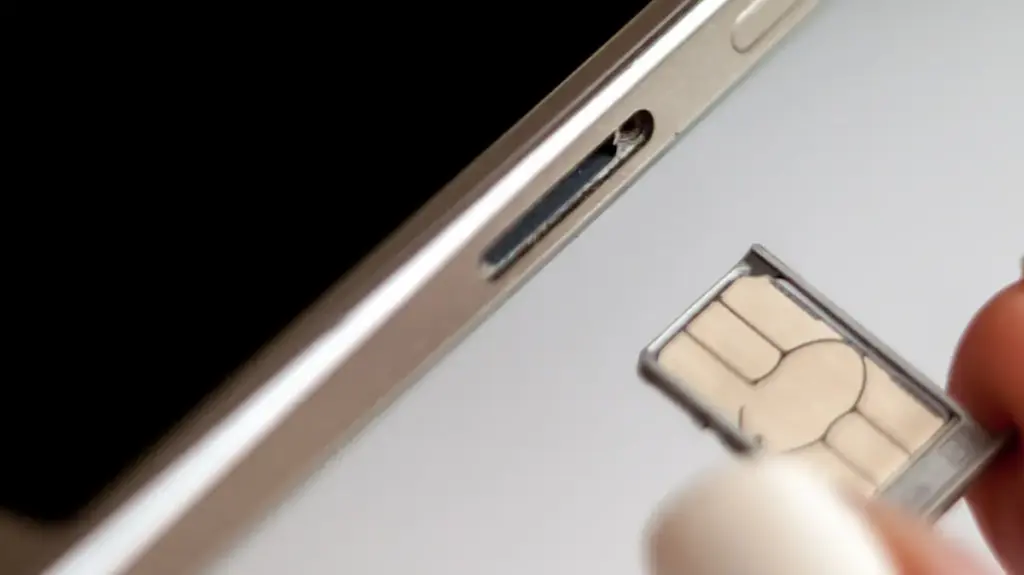
For the average smartphone owner, interacting with the SIM tray is a rare occurrence. Most individuals only access the small compartment under specific circumstances, such as transitioning to a Mobile Virtual Network Operator to reduce monthly communication expenses, or temporarily replacing their primary SIM with a prepaid local carrier card while traveling internationally. In other instances, cellular providers may issue replacement cards due to physical damage or technological upgrades. Because these swaps happen infrequently, users often look for the fastest possible method to restore connectivity.
Most contemporary smartphones are engineered to handle physical SIM replacement while powered on, eliminating the absolute necessity of a full system reboot. However, powering down the device offers modest technical benefits that can prevent minor software hiccups and ensure a smoother transition to a new network. Taking a few extra seconds to turn off the phone helps mitigate the small chance of anything going wrong, ultimately saving time that might otherwise be spent troubleshooting persistent network errors or performance anomalies.
Physical SIM card replacement involves handling tangible components that slide into dedicated device trays. This stands in contrast to modern embedded SIM technology, or eSIMs, which rely entirely on software solutions. Replacing an eSIM is typically accomplished through a digital process involving QR codes, carrier applications, or direct wireless transfers between different smartphones. While most eSIM-compatible devices can store multiple digital profiles simultaneously, only a limited number can remain active at any given moment.
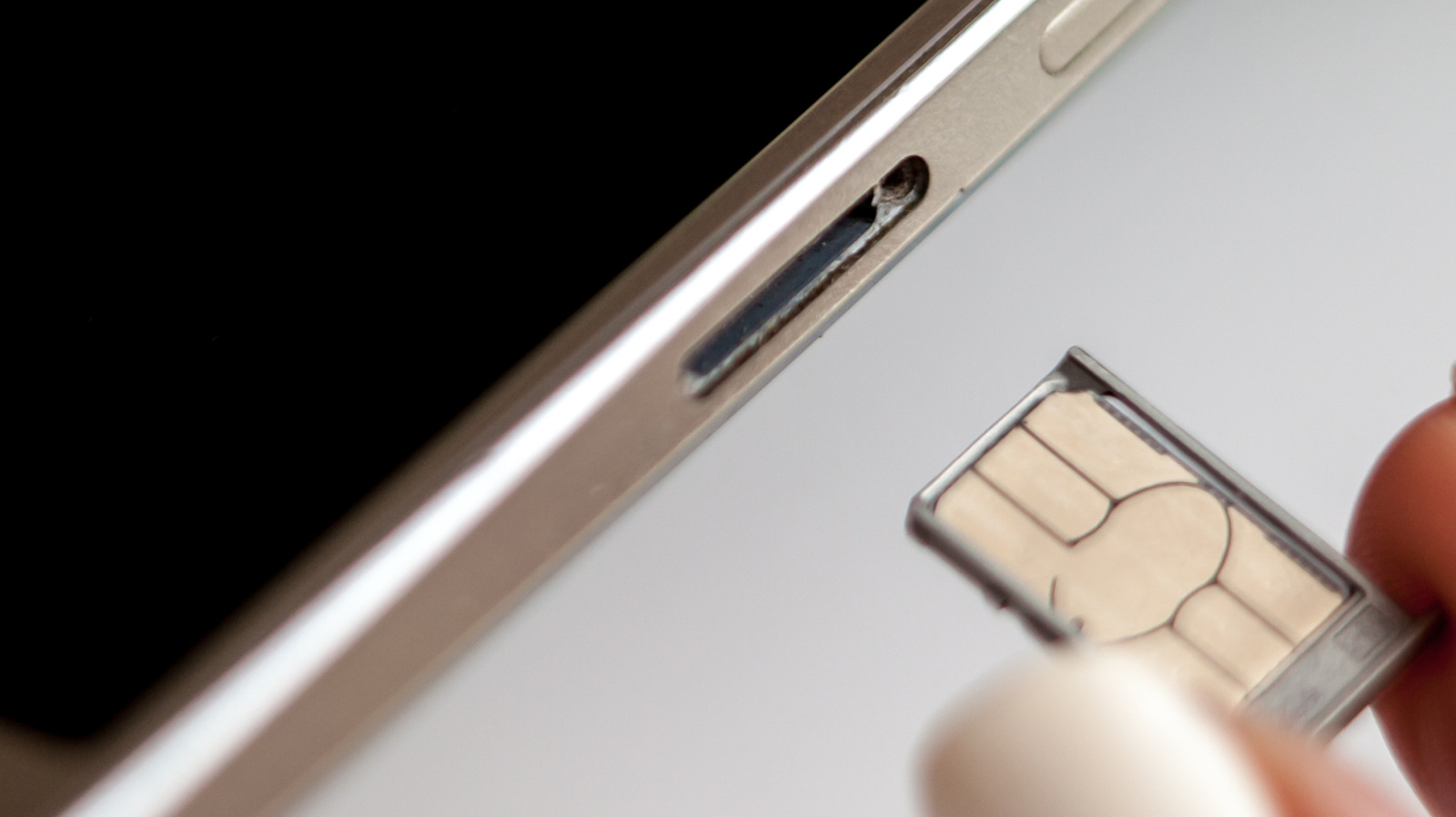
Physical cards, however, continue to hold a significant market share due to their convenience and the relative privacy they afford users. They allow consumers to easily install and utilize over-the-counter, pay-as-you-go accounts without navigating complex digital verification processes or sharing extensive personal data with network operators. Despite these advantages, handling physical components introduces minor operational risks that users should consider.
The Small Potential Risks of SIM Replacement
The majority of potential hazards associated with physical SIM card replacement are mechanical and environmental in nature. When the SIM tray is ejected, users risk inadvertently introducing dust, grime, or moisture into the delicate internal components of the smartphone. Furthermore, attempting to force an incompatible card size into a slot or misaligning the card within the tray can permanently damage the hardware, potentially rendering the tray unusable or ruining the SIM card itself.
If a damaged SIM card or an incorrectly seated card is introduced into the device, the smartphone may continuously attempt to establish a network connection. Because these connection attempts fail repeatedly, the device can experience accelerated battery drain and noticeable overheating as the internal modem works overtime to locate a signal. Although most users never encounter these problems by simply exercising caution and slowing down during the process, the margin for error exists.
Once a new SIM card is inserted into a powered-on device, the operating system typically takes a brief moment to read the new data and locate the cellular network. Service is then restored, subject to standard account activation and setup requirements. However, the primary advantage of turning off the phone beforehand lies in forcing the system to read the fresh information encoded on the new card during the boot sequence. This clean initialization helps register the device on its new network more quickly by properly loading fresh carrier settings right from the start, significantly reducing the likelihood of encountering software-based network error messages.
More to Think About When Swapping SIMs
The evolution of smartphone design provides additional context for how modern devices handle connectivity changes. Prior to the 2010s, SIM card slots were predominantly located beneath a phone’s removable battery, which inherently required powering down the device to access the compartment. As industrial design shifted away from removable batteries in favor of sleek, sealed unibody chassis, manufacturers relocated SIM trays to the exterior frames of smartphones.
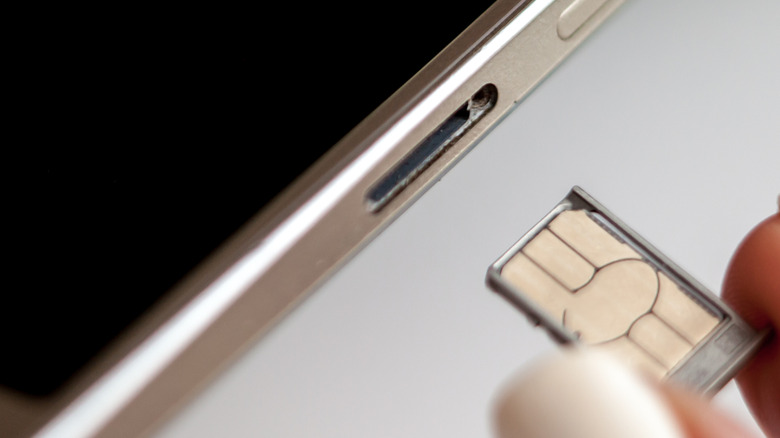
Early models utilizing external SIM trays frequently displayed network error messages if a user attempted to swap cards while the device remained powered on. Over time, engineering advancements made these systems hot-swappable, rendering mid-operation card swaps largely frictionless for the end user.
For those who wish to avoid a full system shutdown while still ensuring a clean network transition, a viable alternative exists. Activating airplane mode on the device, waiting approximately thirty seconds before executing the SIM swap, and subsequently disabling airplane mode once the new card is secured can yield a similar result. This temporary isolation of the cellular radio prevents transient carrier hiccups during the replacement procedure.
An important consideration must also be given to expandable storage configurations. Unlike modern iPhones and many flagship Android devices, certain Android smartphones still incorporate a dedicated microSD card slot, which is occasionally housed within the exact same physical tray as the SIM card. Similar to the protocol required when safely ejecting external storage drives from a personal computer, it is crucial to properly unmount the microSD card before removing the tray to prevent accidental data corruption or loss.
On Samsung devices, for instance, users must navigate to the My Files application, locate the designated SD card, access the adjacent menu options, and select the unmount command. Users uncertain of the specific procedure for their hardware should consult the device settings menu or manufacturer documentation before proceeding.
Ultimately, while the operational benefits of powering down a smartphone before a SIM swap are relatively minor, doing so remains an effective preventive measure against software glitches. For users who prefer to bypass a full reboot, utilizing airplane mode serves as a reliable compromise. In the event that a persistent network error materializes after a card exchange, restarting the device remains the primary troubleshooting step to restore normal functionality.