

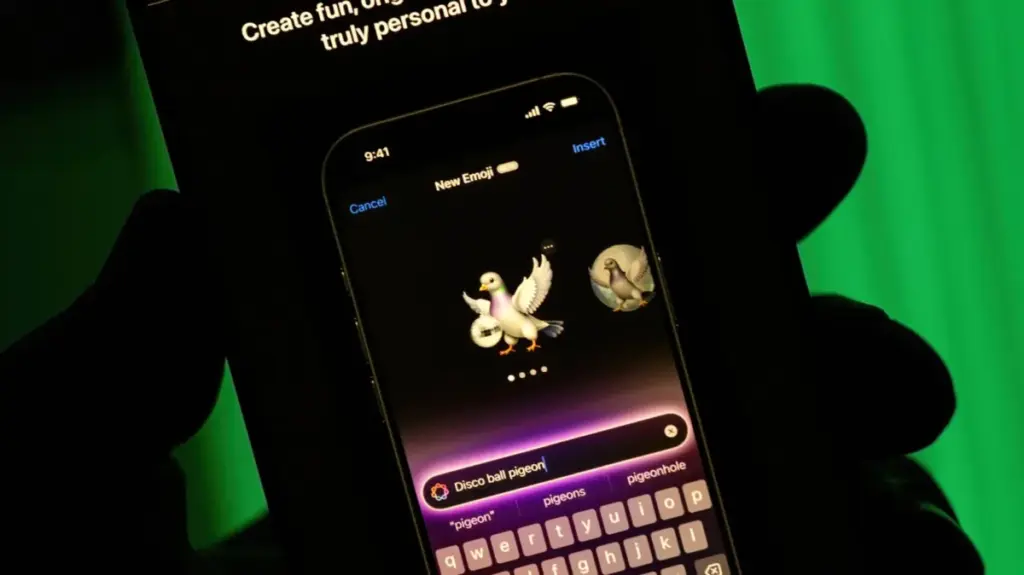
Apple’s built-in image generation tool has received a series of noteworthy updates, expanding how users create, customize, and share artificial intelligence-generated artwork and personalized stickers across their devices.
Modern digital communication often calls for a highly specific visual to express a thought or emotion—something that cannot be found within the standard library of phone emojis or hidden away in a personal photo gallery. Whether a user is trying to visualize an angry avocado or depict themselves and a friend standing on the moon despite never having traveled outside their city together, the complexity of the human experience frequently outpaces conventional communication tools.
To bridge this gap, users within the Apple ecosystem have increasingly turned to AI-powered creation tools. Chief among these is the Image Playground app, designed as a fast, accessible method for generating customized visuals that can be saved, shared, and transformed into personalized Genmoji for future use. For many device owners, the application is already installed and integrated deeply into their daily workflows, offering a native alternative to standalone third-party creative applications.
What is Apple’s Image Playground?
Initially launched by Apple in December 2024, Image Playground utilizes on-device Apple Intelligence to generate unique imagery that users can save, share, or convert into Genmoji. Rather than operating as an isolated program that requires users to interrupt their workflow, Image Playground is deeply integrated into several core Apple applications, including Messages, Keynote, and Freeform. This systemic integration allows creators to generate and insert visuals directly where they need them without switching between multiple windows or applications.
Access to the tool requires compatible hardware powered by advanced Apple silicon. Users can run Image Playground on an iPhone 15 Pro, iPhone 15 Pro Max, or an iPhone 16 model or later, provided Apple Intelligence is enabled on the device. Additionally, the feature is supported on iPads equipped with an M1 chip or later, the iPad Mini powered by the A17 Pro chip, and Mac computers running on at least an M1 processor.
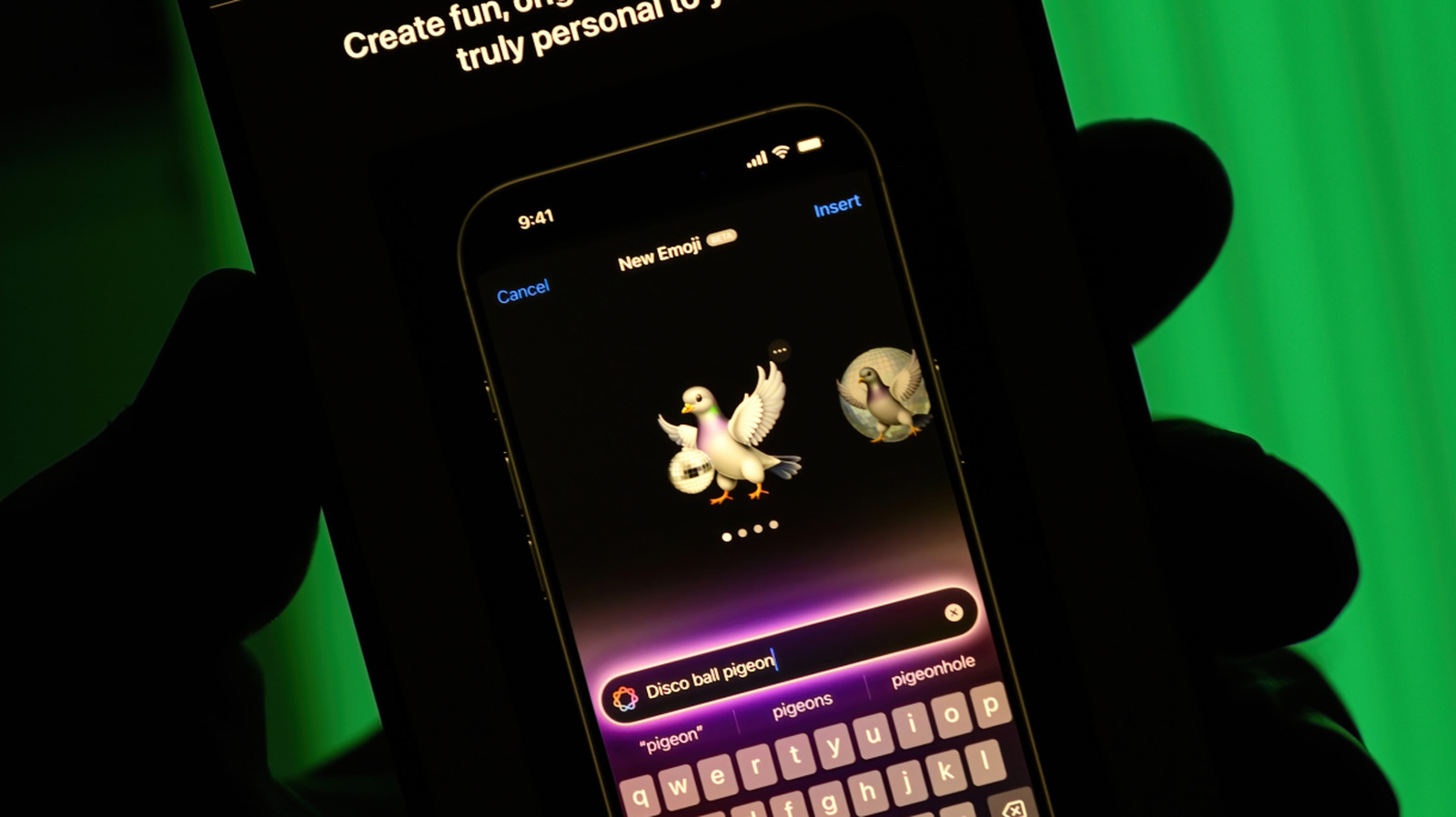
The latest evolution of the software, introduced alongside recent operating system updates, brings several significant enhancements to the user experience. The most prominent addition is the "Any Style" option, which allows users to describe their desired visual style using natural language. Earlier iterations of the app required users to select from a predefined list of specific aesthetic choices, such as traditional illustrations. The updated framework, however, accommodates virtually any visual approach dictated by the user’s prompt.
Further expanding creative control, the updated software introduces advanced touch-based and natural language modification tools. For instance, if a user generates an image of a cabin, they can tap and select the door directly on the screen using their finger, then issue a prompt instructing the system to change its color to red or reposition the element entirely. The latest software iteration also introduces the capability to design custom Contact Posters and personalized wallpapers for the device’s Lock Screen, broadening the practical applications of the generated artwork.
How the Application Operates and Functions
Opening the application presents users with multiple pathways for initiating an image creation project. Creators starting entirely from scratch can utilize the designated prompt box to describe their desired scene in detail. Alternatively, an expandable menu offers a selection of built-in styles, such as animations and sketches. Selecting the Genmoji option from this menu allows the user to save their creation alongside their existing sticker library, making it readily available for use as a standard emoji within messaging conversations.
Beyond entering text-based natural language prompts, the application supports reference-based creation methods. Positioned near the prompt box is an icon depicting a person, which allows users to select a face directly from their personal photo library. Selecting a reference photo of oneself, for example, enables the user to prompt Image Playground to render them in a completely different context, such as visualizing themselves dressed as an astronaut. Once an initial image is generated, users can enter supplementary prompts beneath the picture to introduce modifications or rely on the touch-based editing features to fine-tune specific components.
Adjacent to the person icon, the interface includes a dedicated button that permits users to import an existing photograph taken with their device to serve as the structural foundation for a new AI generation. This functionality bridges the gap between personal photography and generative art, allowing everyday snapshots to be reinterpreted through various artistic lenses. Once users are satisfied with their creative output, they can tap the system Share button to export the graphic and send it to friends, family members, and colleagues across supported communication channels.